Forty-three per cent of UK businesses reported a cyber breach or attack in the last 12 months, according to the government's Cyber Security Breaches Survey 2025. That's roughly 612,000 businesses. And the average cost? Around £1,600 per incident. For medium and large companies, it jumps to over £10,000.
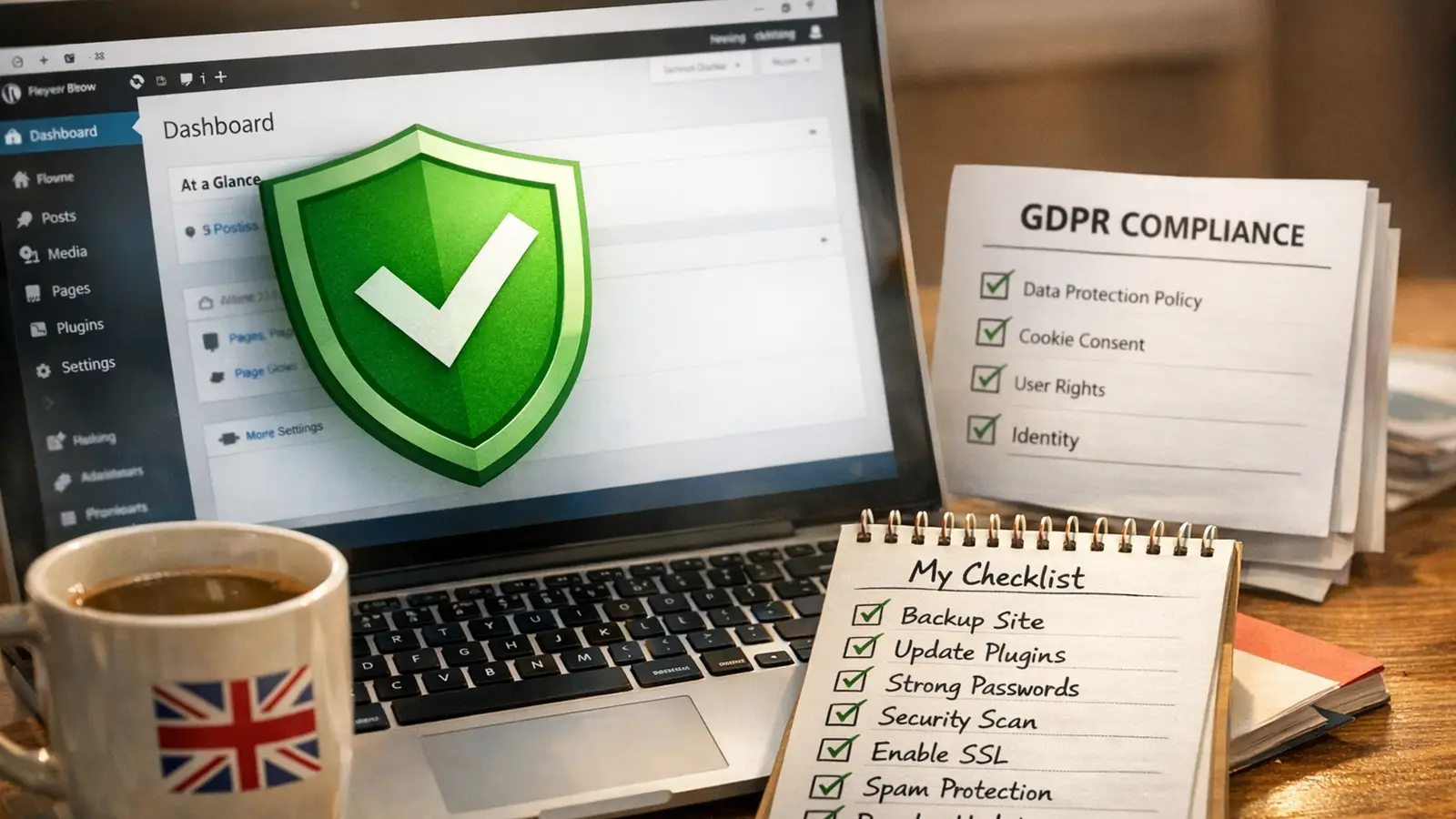
If you're running a WordPress site for your business, security and GDPR aren't two separate problems. They overlap. A data breach is a security failure and a GDPR failure. A weak password policy is a hacking risk and a compliance gap. Fix one and you often fix both.
This checklist covers the seven things every UK small business should have in place. Some you can do in ten minutes. Others take a bit more thought. But once they're done, they're done. Set them up properly and you won't need to think about them again.
Step 1: Lock Down with SSL/HTTPS
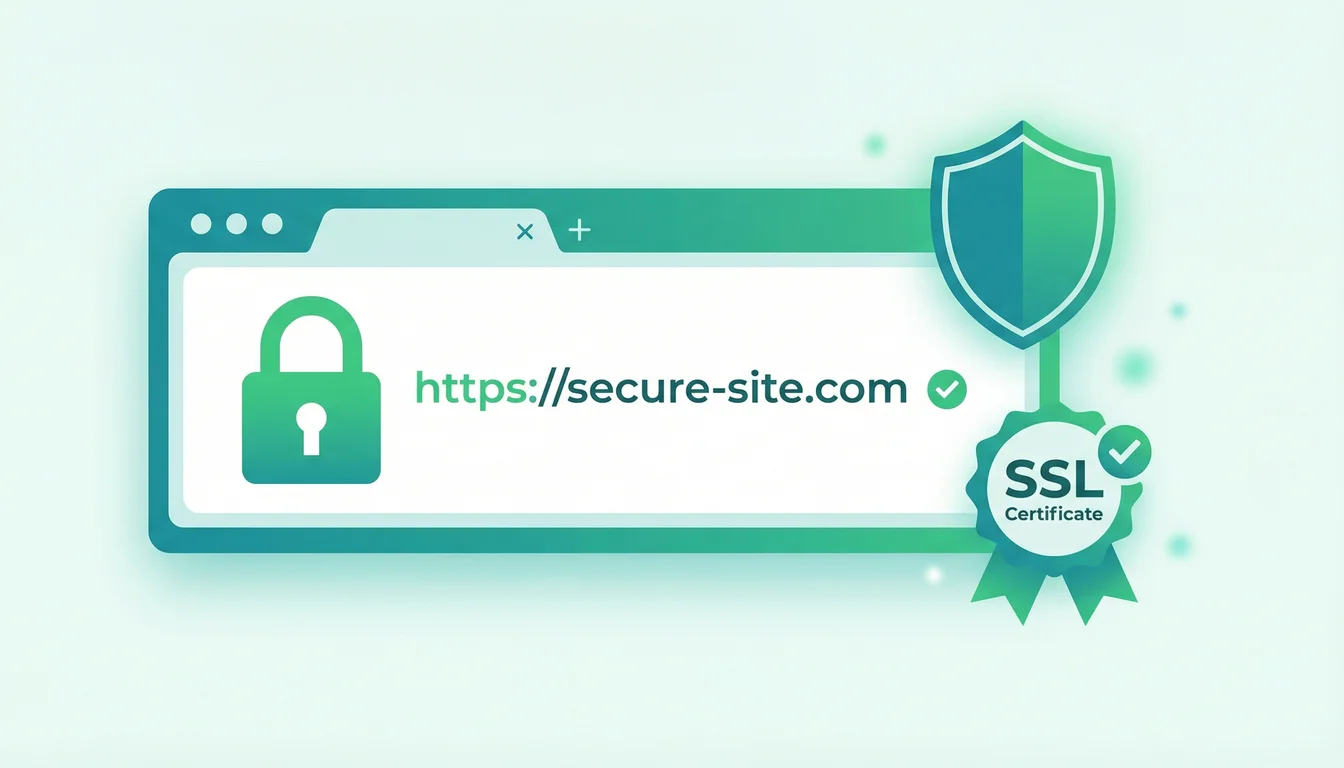
SSL encrypts the connection between your visitors' browsers and your server. Without it, form submissions, login credentials, and payment details travel in plain text. Anyone on the same network can read them.
Google Chrome marks HTTP sites as "Not Secure" in the address bar. That kills trust before a visitor even reads your homepage. And from a GDPR perspective, transmitting personal data without encryption is a clear breach of Article 32's "appropriate technical measures" requirement. It's worth noting that SSL certificate validity is dropping to 200 days from March 2026, making automated renewal even more critical. The speed of new threats is accelerating too: in March 2026, WordPress pushed three emergency patches in 24 hours to address four actively exploited flaws.
The good news: every 365i WordPress hosting plan includes a free SSL certificate, automatically provisioned and renewed. Our global CDN enforces HTTPS across all edge nodes, so there's no mixed content to worry about. You can check your own site for mixed content issues using our free Why No Padlock? scanner.
Step 2: Enable Two-Factor Authentication
Passwords alone aren't enough. Cloudflare's 2026 threat data shows 94% of all login attempts are automated bots, and 46% of human logins use credentials already exposed in breaches. The ICO fined Advanced Computer Software Group £3.07 million in 2024 after attackers exploited a customer account that lacked multi-factor authentication. The ransomware attack disrupted NHS services across the country.
"If you're entrusted with this kind of data, there's a minimum set of standards you have to achieve, and this is absolutely one of them."
Stephen Bonner, Deputy Commissioner, ICO, Infosecurity Magazine
That quote stuck with me when I first read it. We've been telling clients to enable 2FA for years, but hearing the ICO's Deputy Commissioner call it "a minimum set of standards" puts it in a different light. It's not a nice-to-have. The regulator considers it a basic obligation. And if your WordPress admin panel is protected by nothing more than a password, you're falling below that minimum right now.
Install a plugin like WP 2FA or Wordfence Login Security. It takes five minutes. Force it for all admin and editor accounts at minimum. The 365i hosting platform supports application-level 2FA through the My365i control panel too, so your hosting account itself stays protected.
Step 3: Keep Core, Plugins and Themes Updated
Outdated plugins are the number one attack vector for WordPress sites. We covered 170 vulnerabilities disclosed in a single week in December 2025, with 91 still unpatched. And that Sneeit Framework flaw triggered over 131,000 exploit attempts before most site owners even knew it existed.
Here's what a safe update process looks like:
- Enable automatic minor updates for WordPress core (these are security patches)
- Test major updates on staging first before pushing to production
- Review plugin changelogs before updating, especially for plugins handling forms, payments, or user data
- Remove unused plugins and themes entirely, not just deactivate them. Dormant code is still attackable code
- Keep PHP current. When PHP 8.1 hit end-of-life, sites running it stopped receiving security patches at the language level
With managed WordPress hosting, automatic updates for core and plugins can be configured through the My365i panel, with staging environments included on every plan for safe testing.
Step 4: Set Up Daily Backups
Backups are your last line of defence. If everything else fails, if your site gets hacked, if an update goes wrong, if someone accidentally deletes a page, a recent backup means you can recover in minutes rather than days.
But not all backups are equal. Three things matter:
- Frequency: Daily minimum. Hourly if your site changes often
- Storage: Off-server. If your backup sits on the same server as your site, a ransomware attack encrypts both
- Testing: A backup you've never restored is a backup you can't trust
Every 365i hosting plan includes daily off-server backups with one-click restore. For sites that need more, our managed cloud servers offer configurable backup schedules with retention policies you control.
Step 5: Manage User Permissions and Access Control
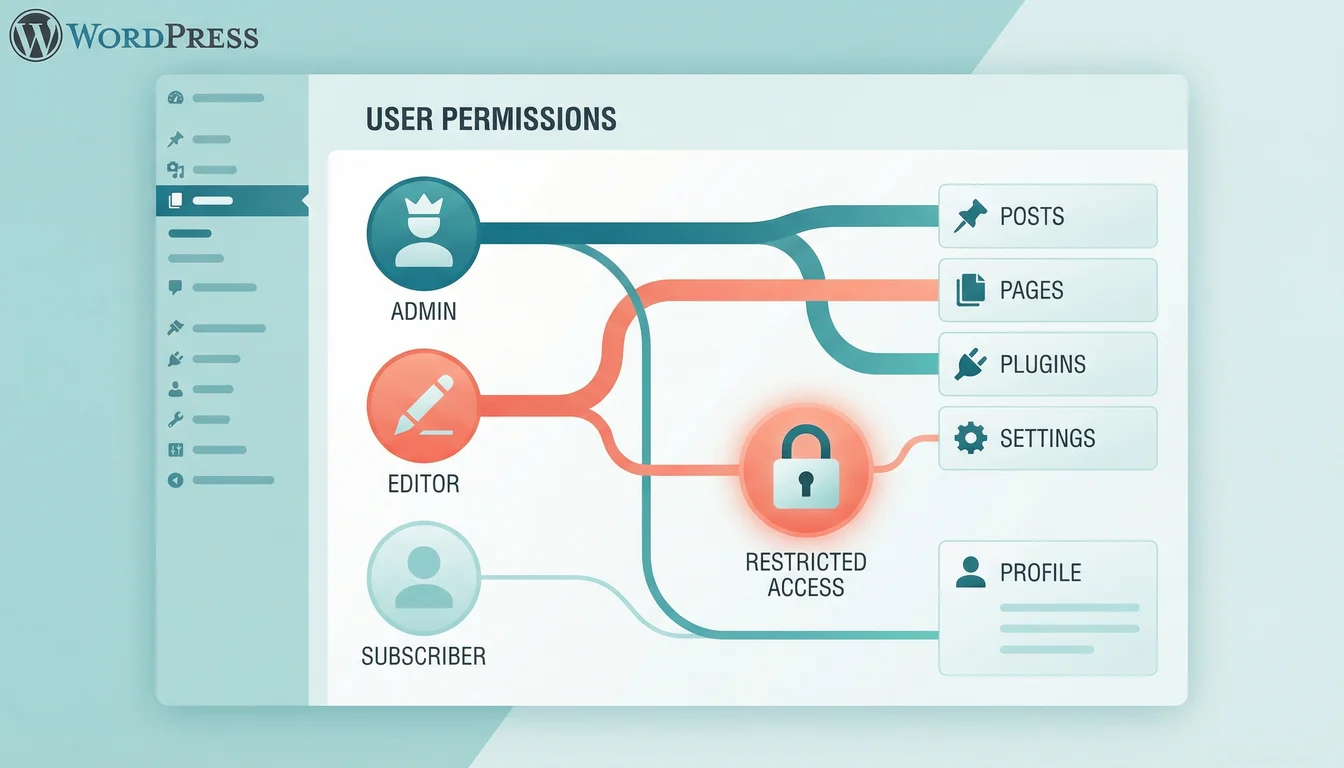
The principle of least privilege sounds technical, but the idea is simple: give people only the access they need to do their job. Your content writer doesn't need admin access. Your SEO consultant doesn't need to install plugins.
WordPress has five built-in roles: Administrator, Editor, Author, Contributor, and Subscriber. Use them. And audit them regularly. That freelancer who helped with your redesign six months ago? If their admin account is still active, it's a security hole and a GDPR liability (they could access customer data they no longer need).
Quick wins:
- Limit administrator accounts to one or two people
- Review user accounts quarterly. Delete dormant ones
- Use unique usernames. Never "admin"
- Force strong passwords for all accounts (WordPress does this by default since 4.3, but check that nobody bypassed it)
Step 6: Get GDPR Compliant
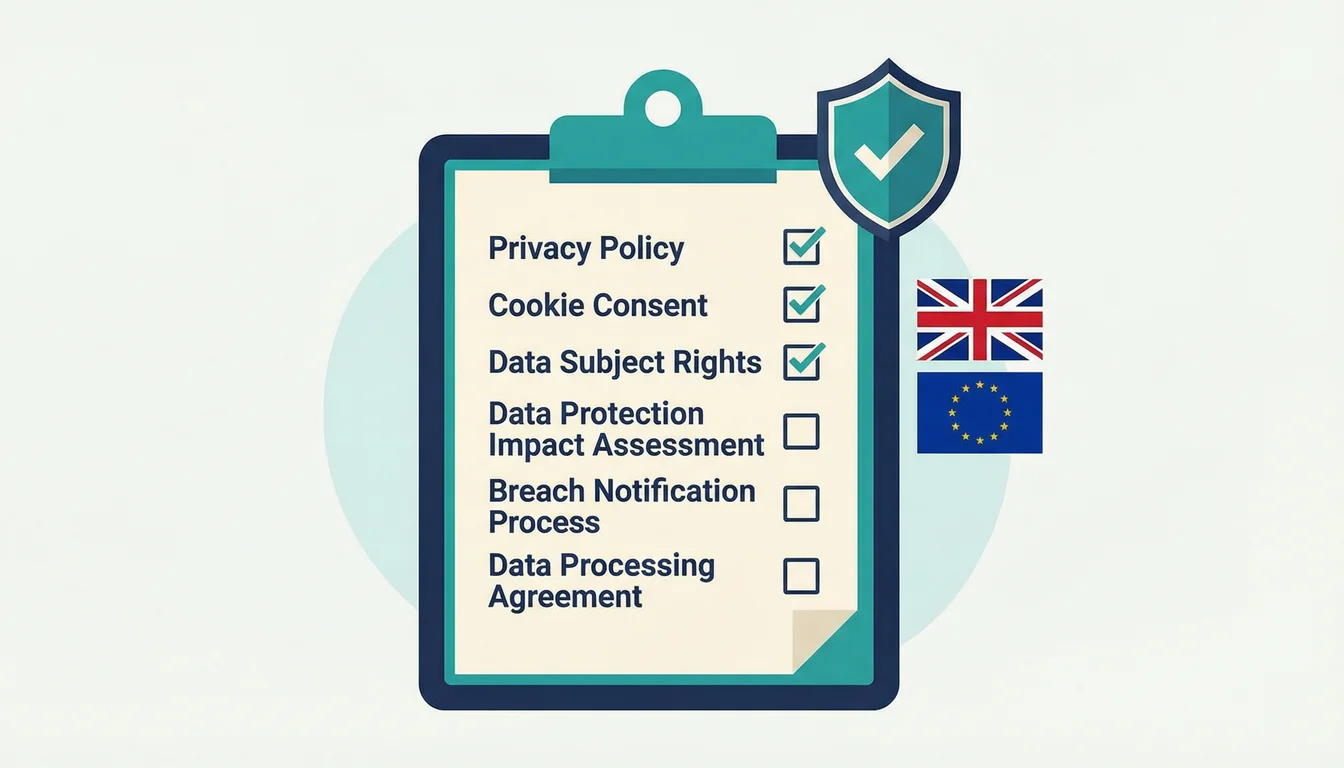
GDPR applies to every UK business that handles personal data. If your WordPress site has a contact form, email signup, customer login, WooCommerce checkout, or even analytics tracking, you're processing personal data.
"You shouldn't wait for the regulator to come knocking on your door before checking your processes."
John Edwards, Information Commissioner, ICO speech at IAPP UK 2025
I think about that quote every time a client says "we're too small for the ICO to bother with." They're probably right that the ICO won't come knocking on a 10-person company. But it misses the point. GDPR compliance protects your customers and your reputation. The ICO issued 37 enforcement actions in 2024-25, including against organisations you'd expect to know better. Getting the basics right isn't hard, and it builds the kind of trust that turns visitors into customers.
Privacy policy: Every site needs one. It must explain what data you collect, why, how long you keep it, and who you share it with. WordPress plugins like Complianz or CookieYes can generate a starting point, but read it and make sure it actually matches your site.
Cookie consent: Only required if you use non-essential cookies (analytics, advertising, social embeds). If your site uses only functional cookies, you may not need a banner at all. But if you're running Google Analytics or Facebook Pixel, you need informed consent before those scripts load.
Data handling: Under the Data Use and Access Act 2025, you must acknowledge data subject complaints within 30 days. Know where your customer data lives. Can you delete someone's data if they ask? Can you export it? If you're using a managed hosting provider, ask about their data processing agreement. 365i has a published DPA that covers exactly this.
Step 7: Monitor, Scan and Stay Vigilant
Security isn't something you set up once and forget. Well, mostly you can, but you need monitoring in place to catch the things that slip through.
A web application firewall (WAF) blocks malicious traffic before it reaches your site. Malware scanning catches infections early, before Google flags your site with a "This site may be hacked" warning that tanks your traffic overnight. Uptime monitoring tells you when your site goes down so you're not the last to know.
All of these come included with 365i's secure hosting. Our platform includes WAF protection, daily malware scanning, and automatic malware removal. You can also check your site's security headers with our free HTTP Header Inspector, which grades your headers A to F and flags missing protections like HSTS and Content Security Policy. For a quick external check, our WordPress security scanner tests login exposure, XML-RPC, version leaks, and more in under 30 seconds.
One more thing worth knowing: organisations with Cyber Essentials certification are 92% less likely to make a cyber insurance claim. The certification process itself is a useful exercise for any small business, even if you don't need it for supply chain requirements. The NCSC's Cyber Essentials scheme costs from £300 and covers the same ground as this checklist.
The Bigger Picture
"Small businesses are the backbone of the UK, but we know that cyber criminals continue to view them as targets."
Lindy Cameron, CEO, National Cyber Security Centre, NCSC
Running a hosting company since 2002, I've seen what happens when security is treated as an afterthought. The businesses that get hit hardest aren't the ones facing sophisticated state-sponsored attacks. They're the ones running a three-year-old WordPress install with an admin password of "password123" and no backups. The fix is almost always boring. Update your software. Use proper passwords. Turn on 2FA. Back up daily. Know your GDPR obligations.
None of this requires a security degree. It requires about an afternoon of focused work, and then the discipline to not let things slide. That's what this checklist is for.
The Set-and-Forget Summary
| Step | Action | 365i Handles | You Handle |
|---|---|---|---|
| 1. SSL/HTTPS | Encrypt all connections | Free SSL, auto-renewal, CDN HTTPS | Check for mixed content |
| 2. Two-Factor Auth | Protect login access | Platform-level 2FA | Install WP plugin, enforce for admins |
| 3. Updates | Patch vulnerabilities | Managed updates, staging environments | Review changelogs, test major updates |
| 4. Backups | Enable recovery | Daily off-server backups, one-click restore | Test a restore annually |
| 5. User Permissions | Limit access | n/a | Audit roles quarterly, remove dormant users |
| 6. GDPR | Protect personal data | Published DPA, secure infrastructure | Privacy policy, cookie consent, data requests |
| 7. Monitoring | Detect threats early | WAF, malware scanning, uptime monitoring | Review alerts, check security headers |
The pattern is clear. Pick the right hosting provider and half of this checklist is already done for you. That's not a sales pitch; it's the practical reality of choosing managed hosting over the DIY approach. Your job is the stuff only you can do: choosing strong passwords, managing who has access, and making sure your privacy policy actually reflects how your site works.
Frequently Asked Questions
Do I need SSL on every page of my WordPress site?
Yes. SSL should cover your entire site, not just checkout or login pages. Google marks any HTTP page as "Not Secure," and GDPR requires encryption for all pages that collect or transmit personal data. With 365i hosting, your free SSL certificate covers every page automatically.
What is two-factor authentication and how do I set it up on WordPress?
Two-factor authentication (2FA) adds a second verification step after your password, usually a code from an app on your phone. Install a free plugin like WP 2FA or Wordfence Login Security, scan the QR code with an authenticator app, and enable it for all admin accounts. It takes under five minutes and blocks the vast majority of brute-force attacks.
How often should I update my WordPress plugins?
Check for updates weekly at minimum. Security patches should be applied within 24 to 48 hours of release. Enable automatic updates for minor WordPress core releases and trusted plugins. For major updates, test on a staging site first if your host provides one.
What should my GDPR privacy policy include?
Your privacy policy must list what personal data you collect, the legal basis for processing it, how long you retain it, who you share it with (including third-party services like analytics or email providers), and how people can request access, correction, or deletion. WordPress has a built-in privacy policy template under Settings > Privacy that gives you a starting framework.
How do I know if my WordPress site has been hacked?
Common signs include unexpected redirects, new admin users you didn't create, modified files (especially in wp-includes or wp-admin), spam content appearing on your pages, and Google Search Console warnings. A daily malware scan catches most infections before they cause visible damage. If your host includes malware scanning, check the reports regularly.
Is cookie consent legally required in the UK?
Only for non-essential cookies. Under PECR and UK GDPR, strictly necessary cookies (session management, shopping carts, security) don't need consent. Analytics cookies, advertising trackers, and social media embeds do. If your site uses only essential cookies, you don't need a consent banner at all.
What is Cyber Essentials and do small businesses need it?
Cyber Essentials is a UK government-backed certification scheme run by the NCSC. It covers five basic security controls: firewalls, secure configuration, user access control, malware protection, and patch management. It's mandatory for businesses bidding on certain government contracts, and organisations with the certification are 92% less likely to make a cyber insurance claim. Self-assessment costs from around £300.
Security built in, not bolted on
Free SSL, daily backups, WAF protection, and malware scanning come included with every 365i hosting plan. Focus on running your business while we handle the infrastructure security.
Explore Secure HostingSources
- Cyber Security Breaches Survey 2025 - GOV.UK (Department for Science, Innovation and Technology)
- John Edwards speaks at IAPP Data Protection Intensive UK 2025 - ICO
- No MFA? Expect Hefty Fines, UK's ICO Warns - Infosecurity Magazine
- Cyber Essentials Overview - National Cyber Security Centre
- 661 WordPress Vulnerabilities in One Week - 365i Web Design
Published: · Last reviewed: · Written by: Mark McNeece, Founder & Managing Director, 365i
Editorially reviewed by: Mark McNeece on · Our editorial standards