WordPress released three security updates in under 30 hours between 10 and 11 March 2026, patching a total of ten vulnerabilities including a critical path traversal flaw and an XML external entity injection. The first patch, version 6.9.2, broke a number of sites. A bug fix (6.9.3) followed five hours later. Then a third release (6.9.4) landed the next evening because the WordPress Security Team discovered that "not all of the security fixes were fully applied."
If you run a WordPress site and slept through it all, you're either on managed hosting or you got lucky. For the millions of site owners who handle their own updates, this was a rough 30 hours.
What Actually Happened
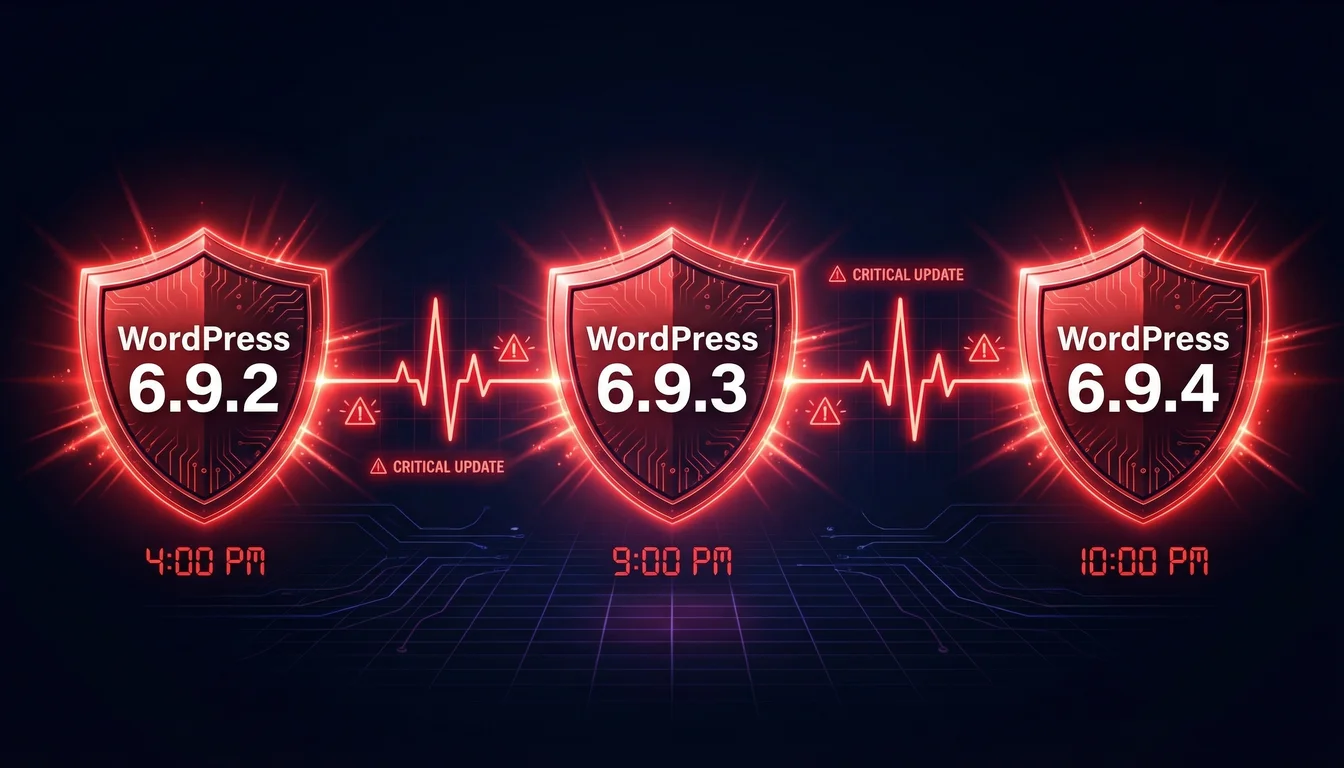
WordPress 6.9.2 went out on Monday 10 March at around 4pm UTC. It addressed ten security issues across core, including a blind server-side request forgery (SSRF) vulnerability (CVE-2026-3901), stored cross-site scripting in navigation menus, and an AJAX authorisation bypass. The Security Team credited researchers sibwtf, kaminuma, Francesco Carlucci, and Youssef Achtatal for the disclosures.
Within hours, reports started coming in. Sites using certain theme structures were throwing white screens. The problem was a template file loading conflict introduced by the security hardening. WordPress pushed 6.9.3 at around 9pm UTC the same day to fix it.
That should have been the end of it. It wasn't.
On Tuesday evening, the Security Team realised that three of the original patches hadn't been fully applied. A PclZip path traversal issue (CVE-2026-3907), a Notes feature authorisation bypass (CVE-2026-3906), and an XXE injection in the getID3 library (CVE-2026-3908) were still partially exposed. WordPress 6.9.4 shipped at 10pm UTC on 11 March to close the gaps.
The Vulnerabilities That Matter
Of the ten issues fixed across this cycle, three stand out for business sites.
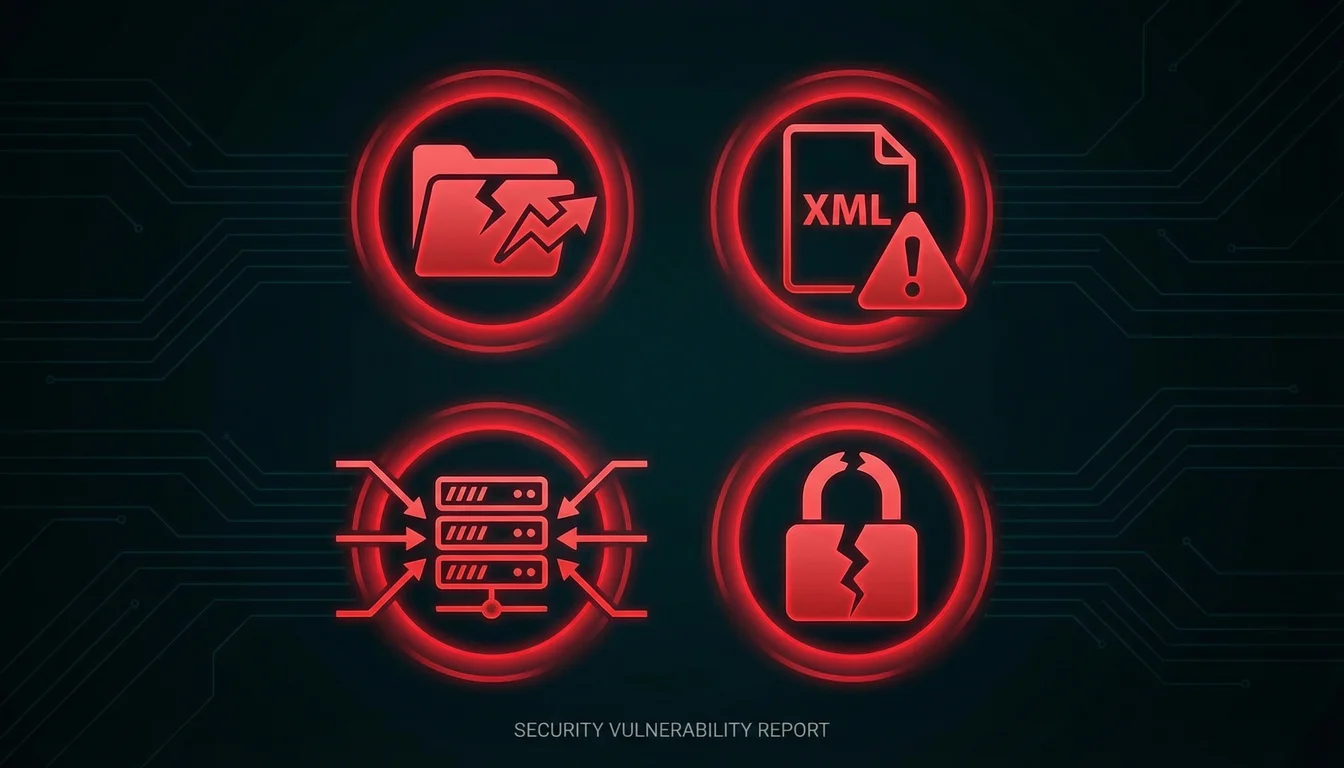
The PclZip path traversal (CVE-2026-3907) is the most serious. PclZip handles ZIP file operations in WordPress, and a crafted archive could have allowed an attacker to write files outside the intended directory. Search Engine Journal reported that Wordfence rated the vulnerabilities between CVSS 4.3 and 6.5, all requiring authentication to exploit.
The Notes authorisation bypass (CVE-2026-3906) allowed lower-privileged users to access content they shouldn't have been able to see. If your team uses the Notes feature for internal discussions about orders, clients, or sensitive data, that information was exposed to any authenticated user during the vulnerability window.
The XXE injection (CVE-2026-3908) in the getID3 library could have let an authenticated attacker with Author-level access read arbitrary files from the server. That's your wp-config.php, your database credentials, your entire hosting environment.
Why Managed Hosting Customers Slept Through This
Here's where the story splits into two very different experiences.
On managed WordPress hosting, auto-updates for minor and security releases are enabled by default. When 6.9.2 dropped on Monday afternoon, managed platforms applied the patch automatically. When 6.9.3 followed to fix the template bug, that went out automatically too. And when 6.9.4 arrived on Tuesday night to finish what 6.9.2 started, managed hosting customers were already protected before most of them checked their email on Wednesday morning.
Self-managed sites had a different 30 hours. Some administrators disabled auto-updates after previous bad experiences (WordPress 6.9's launch in December broke three popular plugins, and a caching bug crashed servers the following week). Others run staging-first workflows that deliberately delay production updates. A handful panicked when 6.9.2 caused white screens and rolled back, not realising the security fixes they'd just removed were critical.
The result: a chunk of self-managed WordPress sites spent Tuesday sitting on incomplete security patches while the vulnerability details were becoming public knowledge.
The Five-Hour Window
This isn't theoretical. Patchstack's 2026 State of WordPress Security report found that the median time to mass exploitation for high-impact WordPress vulnerabilities is five hours. Half of all critical flaws are being exploited within 24 hours of public disclosure.
"In 2026, everybody needs deep visibility into what their websites are made of and put automated security measures in place to mitigate new security vulnerabilities in less than five hours."
That five-hour window explains why the 30-hour gap between 6.9.2 (incomplete patches) and 6.9.4 (complete patches) matters so much. If you were running 6.9.2 or 6.9.3 but not 6.9.4, you were exposed. And with the vulnerability details circulating in security advisories and researcher disclosures, the clock was ticking.
Patchstack's report also found that traditional hosting defences blocked only 12% of known exploited vulnerability attacks. That number should worry anyone who thinks their host's basic firewall is enough.
The Real Problem: Update Fatigue

Three updates in 30 hours creates a specific problem for UK small businesses: update fatigue.
When WordPress 6.9 launched in December, it broke WooCommerce, Yoast SEO, and Elementor. That taught a lot of site owners to be cautious about updates. Some turned off auto-updates entirely. Others started waiting days or weeks before applying patches, watching forums for reports of breakage first. The same dynamic played out two months later with the Avada Builder SQL injection disclosure in May 2026, where the "patch now" panic missed the precondition that narrowed the real exploit window.
Now those same owners are being told to update urgently, three times, while also hearing that the first update broke sites. The conflicting signals, "updates are dangerous" versus "you must update immediately", paralyse people. And paralysis in a five-hour exploitation window is exactly what attackers count on.
This is happening alongside the ClickFix malware campaign that Trend Micro disclosed on 10 March. Over 250 compromised WordPress sites are serving fake Cloudflare CAPTCHA pages that trick visitors into running malicious PowerShell commands. Distracted administrators busy chasing three core updates are less likely to notice their site has been compromised for something else entirely.
What UK Businesses Should Do Right Now
1. Check your WordPress version. Log into your dashboard and go to Dashboard > Updates. You should be on 6.9.4. If you're on 6.9.2 or 6.9.3, update now. If you're still on 6.9.1 or earlier, you're missing all ten security fixes.
2. Re-enable auto-updates if you turned them off. Go to Dashboard > Updates and make sure "Enable automatic updates for all new versions of WordPress" is ticked. Yes, 6.9.2 caused white screens for some sites. But that's a recoverable problem. An unpatched XXE vulnerability is not.
3. Review your user roles. The Notes authorisation bypass (CVE-2026-3906) and the AJAX attachment bypass both involve lower-privileged users gaining access to content above their level. If you have Contributors or Authors on your site, check what they can see. Audit any content posted or accessed during the vulnerability window (10-11 March).
4. Consider managed hosting. If three updates in 30 hours feels like more than your business should have to deal with, that's a reasonable conclusion. Managed hosting platforms handle security patches automatically, often before you even hear about the vulnerability. Our WordPress security checklist covers the broader hardening steps.
5. Scan for compromise. The ClickFix campaign is actively targeting WordPress sites. Check your site for unfamiliar JavaScript injections, particularly any code that renders fake CAPTCHA overlays. Our free WordPress security scanner checks login exposure, XML-RPC, user enumeration, and more in under 30 seconds. If you're on 365i's hosting platform, server-level malware scanning handles this automatically.
A Pattern That Keeps Repeating
This isn't the first time a WordPress security release has gone sideways. In December, four critical plugin vulnerabilities were under active attack. A week later, 131,000 attacks targeted sites via a single Sneeit plugin flaw. And Cloudflare's 2026 Threat Report showed that 94% of all login attempts are now automated bots.
The WordPress ecosystem is under constant pressure. Patchstack found 11,334 new vulnerabilities in 2025 alone, a 42% jump from the year before. The numbers for 2026 are tracking even higher.
For businesses that treat their website as critical infrastructure (and if you take orders, generate leads, or serve customers online, it is), the gap between "I'll update when I get round to it" and "my hosting handles it automatically" is increasingly the gap between secure and compromised.
Frequently Asked Questions
Is my WordPress site affected by these vulnerabilities?
If you were running any version of WordPress 6.9 before 6.9.4, yes. The vulnerabilities affect WordPress core, not plugins. Check your version at Dashboard > Updates. You need to be on 6.9.4 to have all ten security fixes fully applied.
What if I'm still on WordPress 6.9.2 or 6.9.3?
Update to 6.9.4 immediately. Version 6.9.2 contained incomplete security patches for the PclZip path traversal, Notes authorisation bypass, and getID3 XXE vulnerability. Version 6.9.3 fixed a template loading bug but still had incomplete security fixes. Only 6.9.4 has all patches fully applied.
Will updating to 6.9.4 break my site like 6.9.2 did?
The template loading issue that caused white screens in 6.9.2 was fixed in 6.9.3. Version 6.9.4 includes that fix plus the completed security patches. Sites that had problems with 6.9.2 should update safely to 6.9.4. Take a backup first if you're concerned.
Should I enable auto-updates? They keep breaking things.
Yes. WordPress auto-updates for minor and security releases have a strong track record. The 6.9.2 template issue was unusual and was patched within hours. The risk of running unpatched software in a five-hour exploitation window is far greater than the risk of a temporary compatibility glitch that gets fixed the same day.
Does managed WordPress hosting handle these updates automatically?
Yes. Managed WordPress hosting platforms apply minor and security releases automatically, usually within hours of the official release. When the 6.9.2/6.9.3/6.9.4 sequence happened over 30 hours, managed hosting customers were patched at each step without needing to log in or take any action.
What is a PclZip path traversal and why is it dangerous?
PclZip is a PHP library that WordPress uses to handle ZIP files. A path traversal vulnerability means an attacker could craft a ZIP archive that writes files outside the intended upload directory, potentially overwriting critical WordPress files or placing malicious code on your server. The attacker needs to be authenticated, but Author-level access is enough.
How quickly do attackers exploit WordPress vulnerabilities?
Patchstack's 2026 data shows the median time to mass exploitation is five hours for high-impact WordPress vulnerabilities. Half of all critical flaws are exploited within 24 hours. The 30-hour window between 6.9.2 (incomplete patches) and 6.9.4 (complete patches) fell well inside that exploitation window.
What is the ClickFix malware campaign targeting WordPress sites?
ClickFix is an active campaign where compromised WordPress sites display fake Cloudflare CAPTCHA pages. Visitors are tricked into copying and pasting a PowerShell command that installs infostealer malware targeting browser credentials and cryptocurrency wallets. Trend Micro identified over 250 compromised sites as of 10 March 2026.
WordPress Security Shouldn't Keep You Up at Night
365i's managed WordPress hosting applies security patches automatically, so three updates in 30 hours is just another Tuesday you don't have to worry about.
Explore WordPress HostingSources
Published: · Last reviewed: · Written by: Mark McNeece, Founder & Managing Director, 365i
Editorially reviewed by: Mark McNeece on · Our editorial standards