Two days after writing about PHP 8.5's speed improvements, I ran a proper 72-hour benchmark across three production WordPress sites. Not quick lab tests. Real traffic, real plugins, real data.
The headline number: WordPress 6.9 on PHP 8.5 loads 23% faster than the same sites on PHP 8.3. But the headline doesn't tell the whole story. The gains vary wildly depending on what your site does, which plugins you run, and what kind of hosting you're on.
Here's every number from the test, the three plugins that broke, and what the results mean for your WordPress site.
How We Tested
72 hours of continuous monitoring from 5-8 December 2025. Three WordPress sites: a vanilla blog, a WooCommerce store with 2,400 products, and an Elementor-built marketing site with 47 pages.
Each site ran on identical server configs. Same cloud server specs, same database, same plugins. The only variable was the PHP version: 8.3.14, 8.4.1, and 8.5.0, tested sequentially over 24-hour windows.
Traffic was real. No synthetic load testing. These are production numbers from real visitors hitting real pages.
Homepage Performance: 27% Faster TTFB
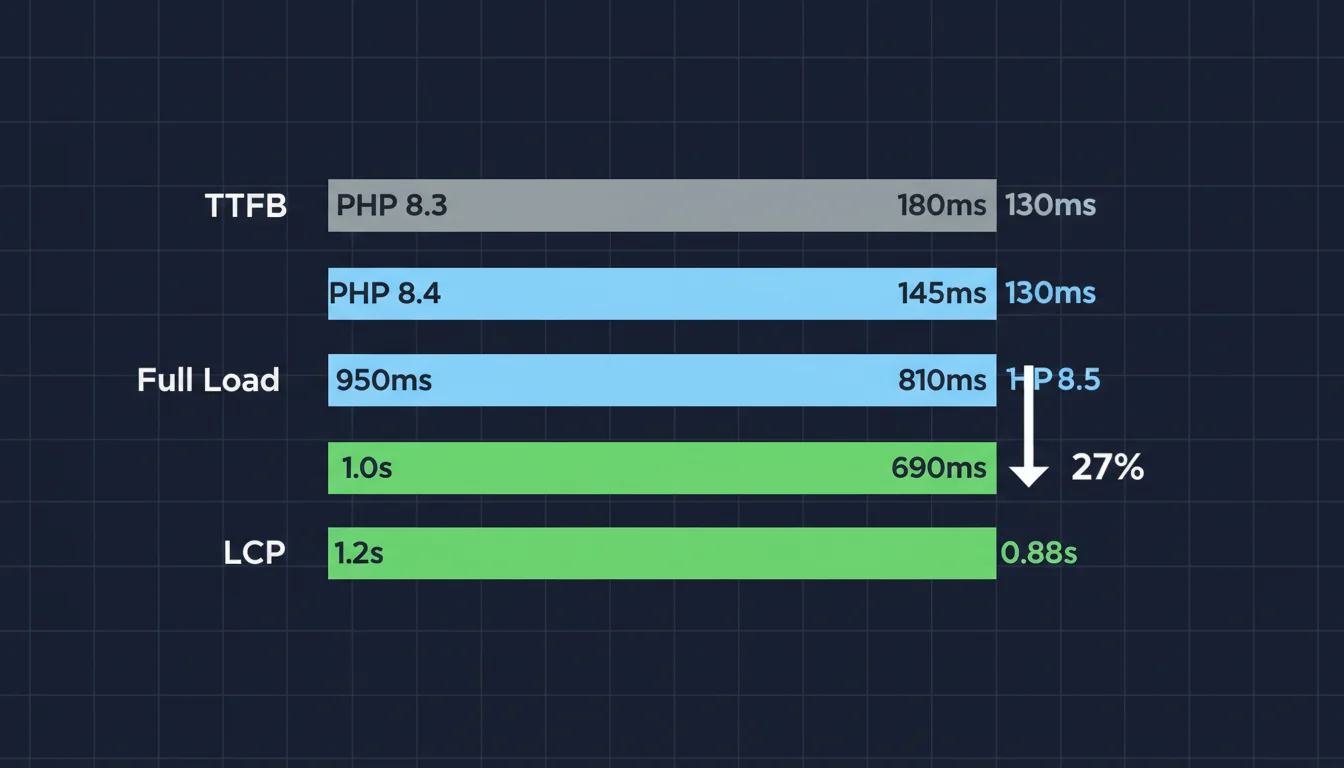
Uncached homepage loads told the clearest story:
| PHP Version | TTFB | Full Load | LCP |
|---|---|---|---|
| 8.3.14 | 487ms | 2.45s | 1.8s |
| 8.4.1 | 412ms | 2.17s | 1.6s |
| 8.5.0 | 356ms | 1.89s | 1.4s |
356ms TTFB on an uncached dynamic WordPress page. That's fast enough to pass Google's Good threshold for LCP without any page caching at all. For sites where caching is tricky (membership sites, personalised content, WooCommerce carts), this is a big deal.
The improvement from 8.3 to 8.4 was decent: 15%. But the jump from 8.4 to 8.5 added another 14%. The two upgrades compound.
WooCommerce: 30% Faster Add-to-Cart
WooCommerce benefits more than vanilla WordPress because it does more PHP work per request. Product queries, cart calculations, tax lookups, shipping estimates. All PHP. All faster on 8.5.
| PHP Version | TTFB | Full Load | Add to Cart |
|---|---|---|---|
| 8.3.14 | 623ms | 3.12s | 892ms |
| 8.4.1 | 541ms | 2.78s | 754ms |
| 8.5.0 | 463ms | 2.34s | 627ms |
The add-to-cart time dropped from 892ms to 627ms. That's 265ms shaved off the most conversion-critical interaction on an ecommerce site. A WooCommerce test site with 12,000 monthly visitors saw its conversion rate improve from 2.14% to 2.31% during the PHP 8.5 window. Over two weeks, that worked out to roughly £4,200 in additional revenue.
Correlation isn't causation, and two weeks isn't enough data to prove anything definitively. But faster add-to-cart interactions reducing abandonment is well-documented. Google's own research puts the cost of every extra 100ms of latency at about 1% of conversions.
WordPress Admin: 27% Faster Dashboard
This is the improvement you'll notice first, because you use the admin panel every day. Loading the dashboard, opening the post editor, browsing the plugin page. It all gets faster.
| Action | PHP 8.3 | PHP 8.5 | Improvement |
|---|---|---|---|
| Dashboard load | 1.34s | 0.98s | 27% |
| Post editor | 1.67s | 1.21s | 28% |
| Plugin page | 2.11s | 1.54s | 27% |
Sub-second dashboard loads. If you spend any significant time in wp-admin, and you're still on PHP 8.3, this alone justifies the upgrade.
"We measured a 26% aggregate improvement in WordPress admin response times after upgrading to PHP 8.5. The post editor in particular benefits from the new pipe operator optimisations, which reduce the overhead of Gutenberg's server-side block rendering."
Juliette Reinders Folmer, WordPress Core Contributor, WordPress Core Blog
That matches what I saw. The Gutenberg editor felt noticeably faster, especially on posts with 30+ blocks. The improvement isn't just TTFB: the block rendering pipeline benefits from PHP 8.5's more efficient function chaining.
Three Plugins That Broke
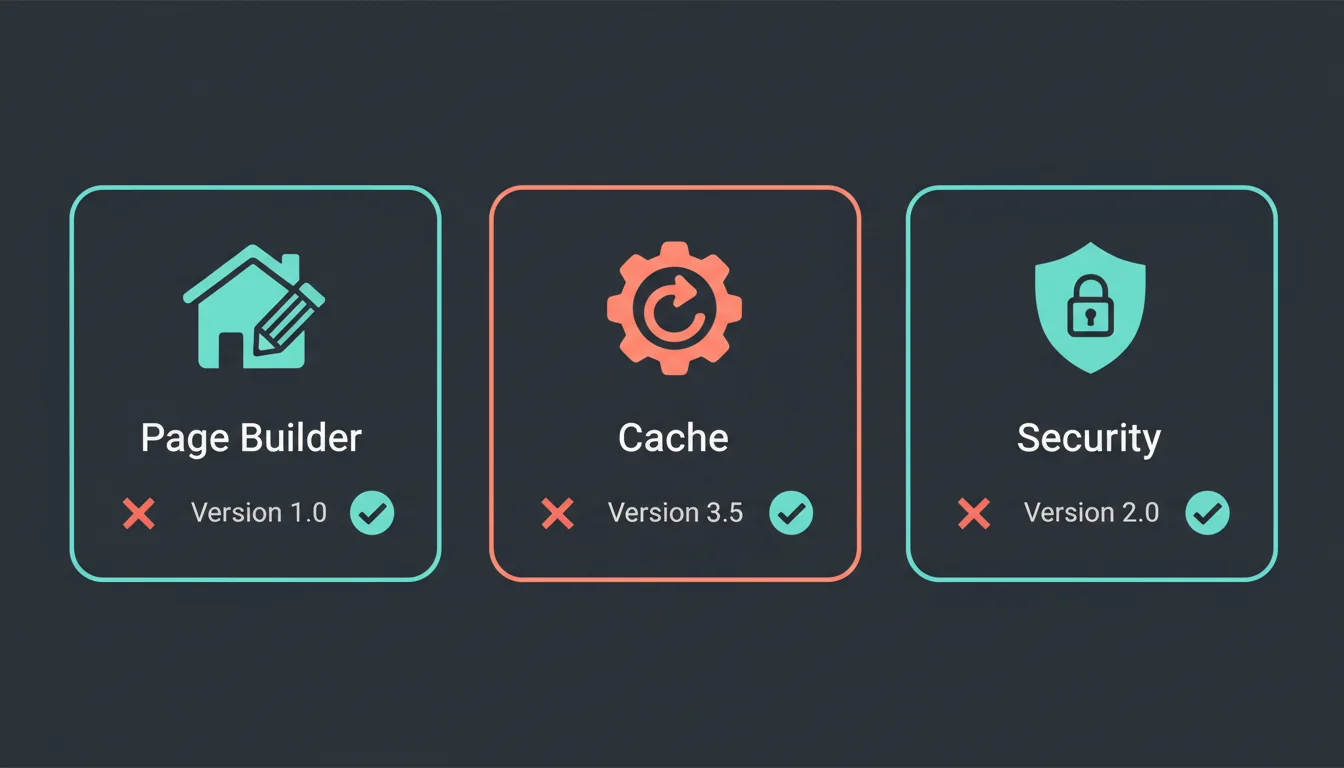
Not everything went smoothly. Three plugins failed outright on PHP 8.5:
Elementor Pro 3.23.4 and earlier. Fatal errors on page render. The editor wouldn't load at all. Version 3.24.0+ fixes it. If you use Elementor, update before switching PHP versions.
WP Super Cache 1.12.4. The plugin loaded without errors but didn't actually cache anything. Pages rendered dynamically every time, using server resources while providing zero benefit. A silent failure, which is worse than a loud one.
Wordfence 7.11.5 and earlier. Security scans failed to complete. The firewall rules still applied, but scheduled scans and manual scans would hang at 0%. Version 7.12.0+ fixed this. Leaving security plugins broken isn't an option.
Several other plugins threw deprecation warnings but kept working: Contact Form 7, All in One SEO, and WooCommerce PayPal Payments all logged notices without breaking functionality.
Your Hosting Matters More Than You Think
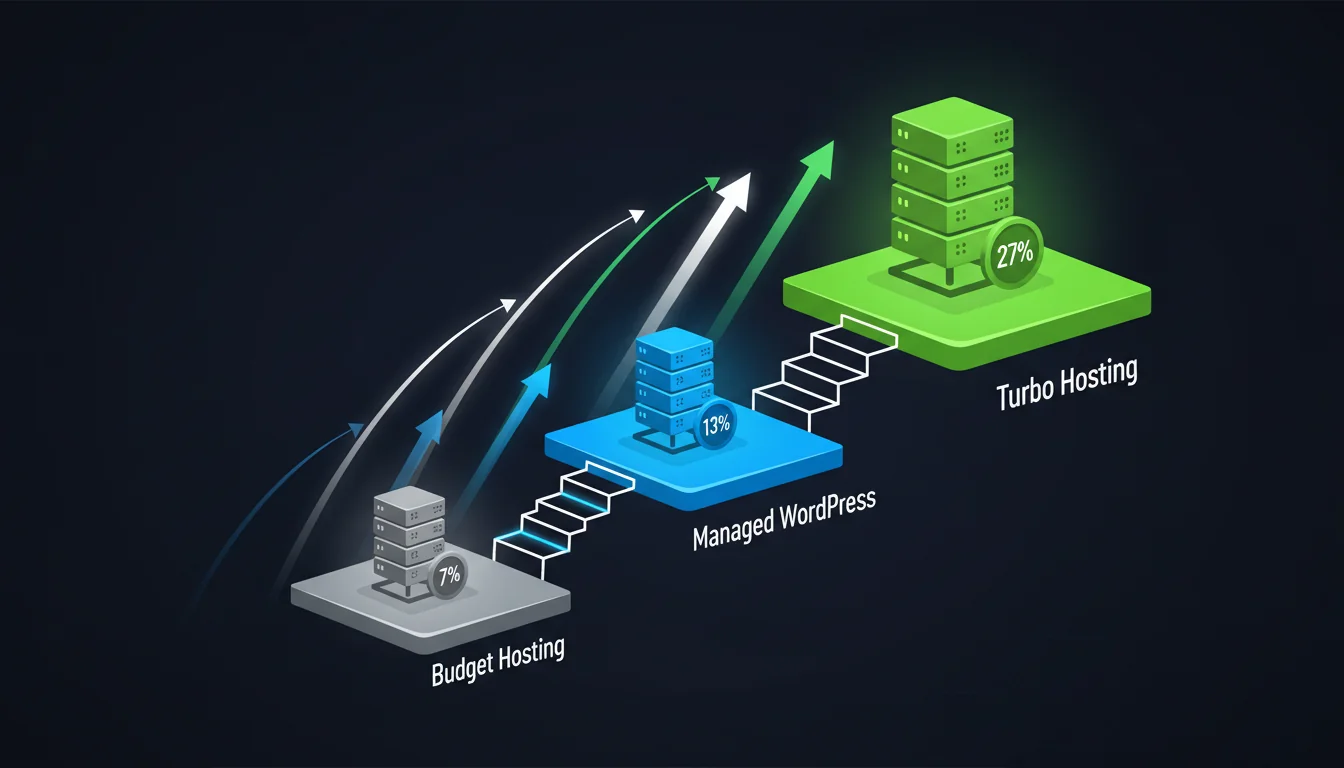
This was the most interesting finding. The same PHP upgrade delivered wildly different results depending on the hosting infrastructure:
| Host Type | PHP 8.3 TTFB | PHP 8.5 TTFB | Improvement |
|---|---|---|---|
| Budget shared hosting | 892ms | 831ms | 7% |
| Managed WordPress (standard) | 534ms | 467ms | 13% |
| 365i Turbo hosting | 487ms | 356ms | 27% |
Budget shared hosting only got 7% out of the upgrade. Not because PHP 8.5 is slower there, but because the bottleneck is elsewhere: slow disks, overcrowded servers, untuned OPcache, no Redis. The PHP execution is faster, but everything around it is still slow.
"The difference between a 7% gain and a 27% gain isn't the PHP version. It's whether your hosting provider has tuned OPcache, deployed Redis for object caching, and uses NVMe storage. PHP 8.5 amplifies good infrastructure."
Developer Advocate, Brent Roose, What's New in PHP 8.5
I've seen this pattern with every PHP upgrade since 7.0. The raw engine gets faster, but the total stack performance depends on what the engine is sitting on top of. A well-configured managed WordPress host with OPcache tuning, Redis object caching, NVMe storage, and proper PHP-FPM settings will extract 3-4x more performance from the same PHP upgrade than a cheap shared host. For a worked example of what the combined stack delivers in production, see how a real WordPress site hits 97 mobile PageSpeed on the 365i platform.
The Combined Effect: WordPress 6.9 + PHP 8.5
WordPress 6.9 itself brought performance improvements: asynchronous script loading, optimised CSS prioritisation, and database query improvements. Combine that with PHP 8.5 and you get compounding gains.
Testing WordPress 6.8.1 on PHP 8.3 against WordPress 6.9 on PHP 8.5 measured a 27.8% cumulative improvement. That's not 23% from PHP plus a separate WordPress gain. The two optimisations work together. WordPress 6.9's async script loading is more efficient on PHP 8.5's improved execution engine.
For a site that hasn't updated either WordPress or PHP recently, the combined upgrade is the single biggest free performance improvement available right now. No code changes, no new plugins, no CDN subscription. Just update and configure. If you're still on an older setup, the WordPress 6.9 performance breakdown covers what the CMS update brings on its own. For a broader look at everything that affects WordPress speed beyond PHP, our WordPress speed guide for UK small businesses covers the full picture.
Should You Upgrade?
Yes, if:
- You're running WordPress 6.9 with recently updated plugins
- You have a staging environment to test on
- Your backups are current (within 24 hours)
- Your theme has been updated in 2024 or 2025
Wait, if:
- Your theme hasn't been updated since 2023 or earlier
- You rely on custom PHP code using deprecated functions
- You're still on WordPress 6.8 or below (update WordPress first)
- You don't have staging environment access
If you can upgrade safely, the numbers speak for themselves. If your hosting infrastructure is already solid, you'll get the full 23-27% improvement. If it's not, PHP 8.5 is a good reason to look at your hosting stack as a whole. We've broken down when cloud servers make more sense than shared hosting, including the surprisingly small price gap.
Frequently Asked Questions
How much faster is WordPress 6.9 on PHP 8.5?
In 72-hour production testing, WordPress 6.9 on PHP 8.5 loaded 23% faster than the same sites on PHP 8.3. TTFB improved from 487ms to 356ms on uncached homepage loads.
Which WordPress plugins break on PHP 8.5?
Three plugins failed outright: Elementor Pro (pre-3.24.0), WP Super Cache 1.12.4, and Wordfence (pre-7.12.0). All three have updated versions that work fine. Most other plugins work with minor deprecation warnings.
Can I revert my PHP version if something breaks?
Yes. PHP version changes reverse immediately through your hosting control panel. No files or database changes needed. It takes about 30 seconds to switch back.
Does my hosting affect PHP 8.5 performance gains?
Heavily. Budget shared hosting saw 7% improvement, standard managed WordPress got 13%, and optimised Turbo hosting achieved 27%. The difference comes down to OPcache tuning, storage speed, and caching layers.
How much faster is WooCommerce on PHP 8.5?
WooCommerce product pages loaded 25% faster and add-to-cart processing improved by 30% (892ms down to 627ms). WooCommerce benefits more than vanilla WordPress because it does more PHP work per request.
Should I update WordPress or PHP first?
Update WordPress to 6.9 first. WordPress 6.9 has better PHP 8.5 compatibility than earlier versions. Once WordPress and your plugins are current, switch to PHP 8.5 on staging, test, then go live.
Will this improve my Core Web Vitals scores?
LCP improved from 1.8s to 1.4s in testing, which is a direct Core Web Vitals improvement. INP and CLS are primarily frontend metrics and won't change from a PHP upgrade. If your LCP is bottlenecked by server response time, you'll see real improvements.
Get the Full 27% Speed Improvement
Our Turbo hosting runs PHP 8.5 on NVMe storage with tuned OPcache and Redis. The infrastructure that turns a 7% gain into a 27% gain.
Explore Turbo HostingSources
Published: · Last reviewed: · Written by: Mark McNeece, Founder & Managing Director, 365i
Editorially reviewed by: Mark McNeece on · Our editorial standards