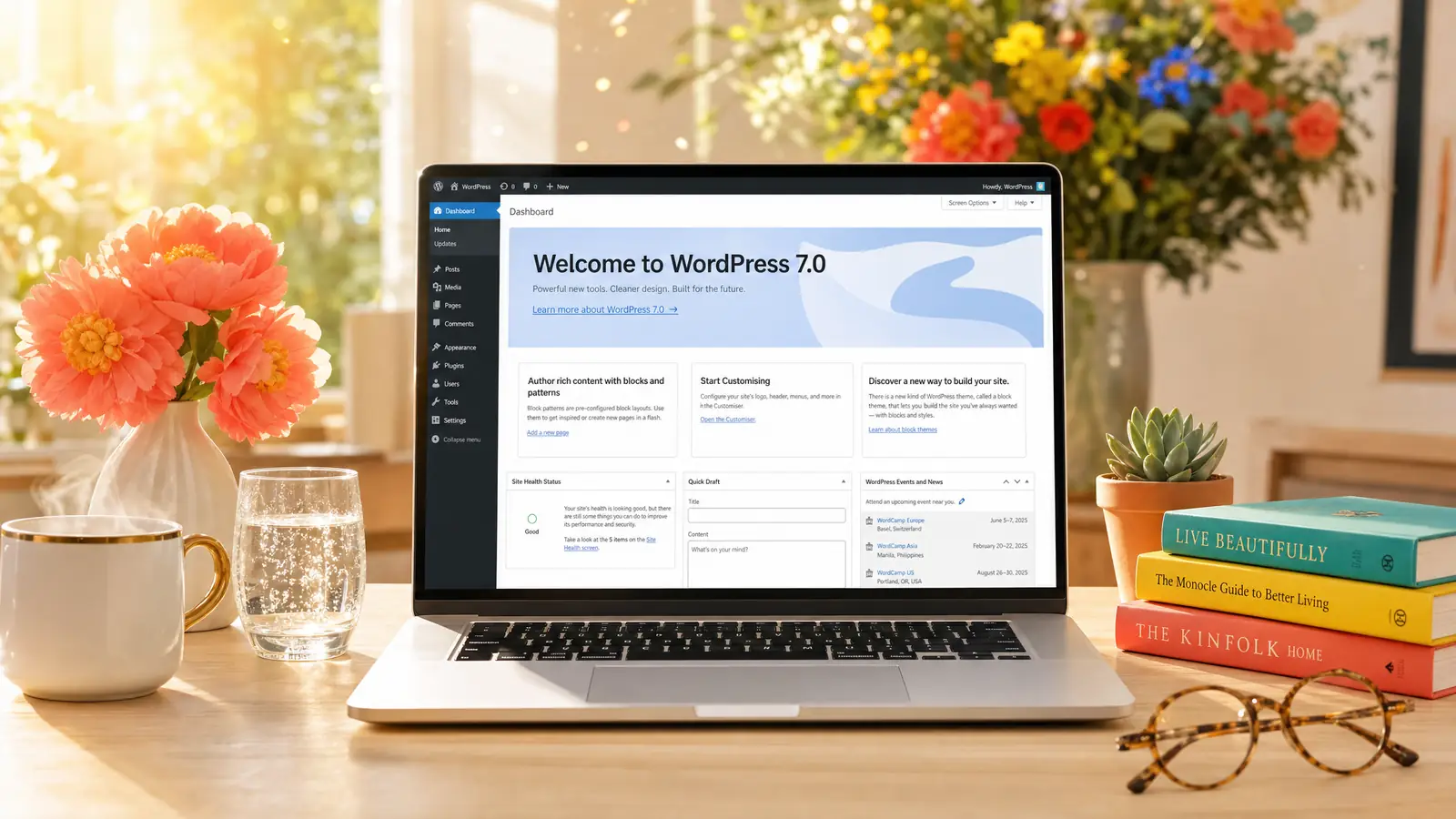
WordPress 7.0 is here. The version that arrived on 20 May 2026 is not the version that was promised in February, and not the version most blog posts you'll read next week are going to describe. Twelve days before release, Matt Mullenweg pulled the headline feature out of the core code entirely. We tested every beta since February and we're setting out what actually shipped, what didn't, and the hands-on findings from running the final RC on two of our own sites in the 24 hours before launch.
The State of Play at Launch
The release timeline ran clean: RC3 on 8 May, RC4 on 14 May, RC5 on 19 May, and general availability on 20 May 2026 at 17:00 UTC. Amy Kamala signed off the RC3 announcement on the official WordPress news site. The release squad has been running this cycle since January with Matias Ventura as Release Lead.
What's changed in the last twelve days matters more than the schedule. On 8 May, Matt Mullenweg pulled real-time collaboration from the release entirely. Not paused. Not feature-flagged off. The code was deleted from core for RC3. That's the single most important fact for anyone planning their WordPress upgrade this month, and it's the fact most published "what's new in WordPress 7" pieces still get wrong because they were written before 8 May.
What Shipped in WordPress 7.0
The confirmed feature list, with RTC removed, looks like this:
- AI Client in core. A provider-agnostic PHP API that gives plugins a standard way to call AI models. Entry point is
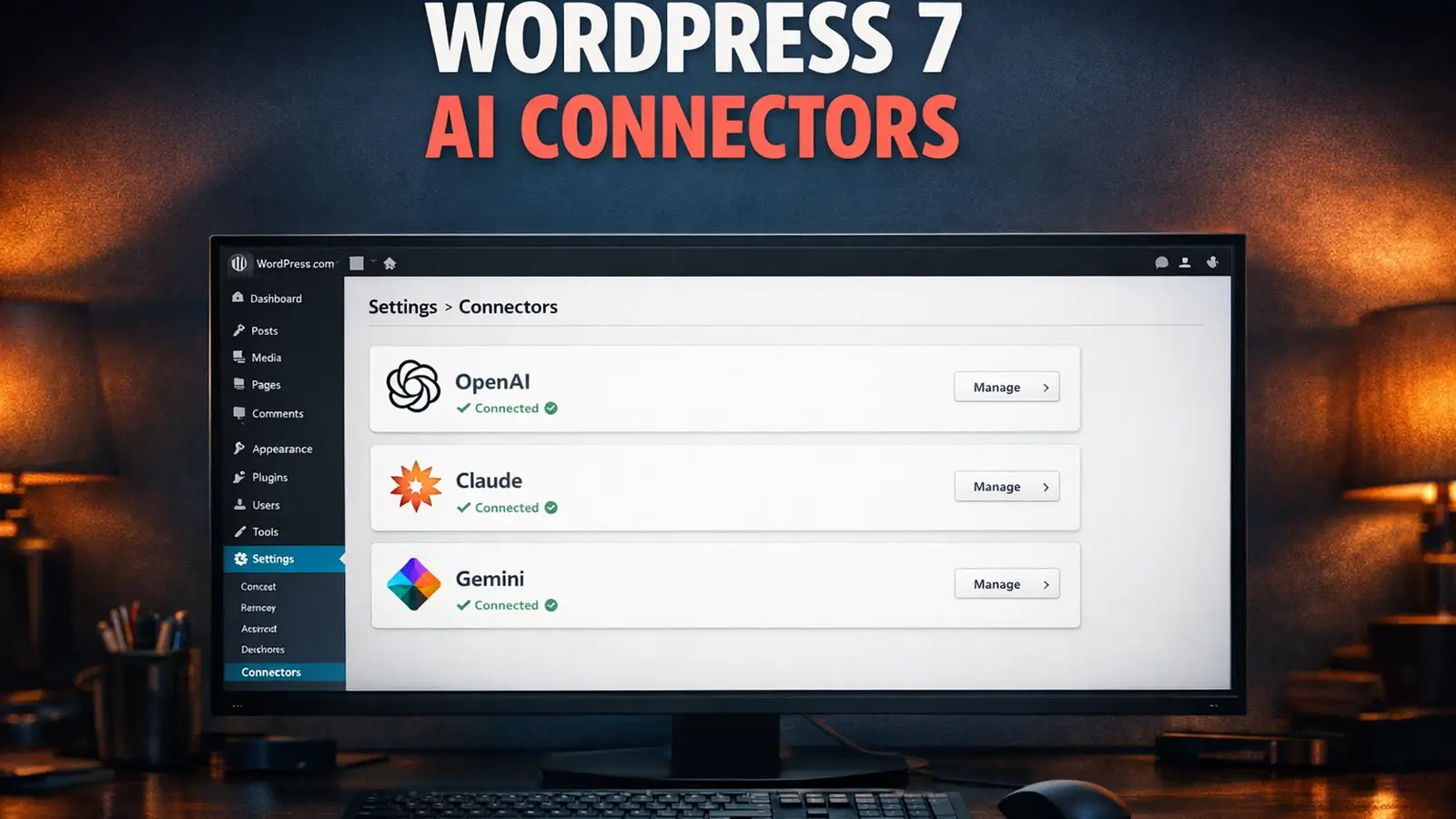
wp_ai_client_prompt()returning a fluentWP_AI_Client_Prompt_Builder. Supports text, image, speech and video generation through a consistent interface. Together with the Abilities API and MCP Adapter, this is the plumbing that lets AI agents operate WordPress sites. - Three official provider plugins. Anthropic, Google and OpenAI provider plugins ship as separate plugins on wordpress.org. They are not bundled in core. Configure them at Settings > Connectors after install. AI features only activate if at least one provider is configured, so the upgrade is no-cost and no-risk for sites that don't want AI.
- Block-level Notes. Single-user editorial comments attached to specific blocks and text fragments, with @mention notifications by email or dashboard. This is what shipped from the original collaboration roadmap once multi-user editing was pulled.
- DataViews. The Posts, Pages and Media admin screens get replaced by a React-based interface with filtering, sorting and bulk actions. Plugins that hook the old WP List Tables DOM may break, which is the single biggest compatibility risk on launch day.
- Cover block embedded video backgrounds. The Cover block can now use an embedded video (YouTube, Vimeo) as a background instead of requiring a local upload. Helpful for hosting and bandwidth costs.
- PHP-only block registration. Reduces the JavaScript required to ship a functional block, with auto-generated inspector controls. A useful change for anyone building lightweight blocks.
- Visual revisions and customisable navigation overlays. A timeline slider for restoring past versions, plus fully block-based mobile menu design.
Requirements: Per the WordPress.org requirements page (last updated 7 May 2026), WordPress will run on PHP 7.2.24+ and MySQL 5.5.5+, but both versions are years past End Of Life. The recommended floor is PHP 8.3 or greater with MySQL 8.0+ or MariaDB 10.6+. We had earlier pieces stating PHP 7.4 / PHP 8.2+ as the rule and we've corrected those to align with the current source.
What Got Cut: Real-Time Collaboration
Real-time collaboration was the headline feature of WordPress 7.0 for over a year. Phase 3 of the Gutenberg roadmap. The thing that was meant to turn WordPress from a single-player editor into something that looked like Google Docs. It was running in betas from February. It was the reason the cycle was extended in April so the team could rebuild the database storage. And then on 8 May, twelve days from release, Matt Mullenweg pulled it.
"Not confident the current approach is robust enough to include in Core at this time, citing concerns around surface area, race conditions, server load, memory efficiency, and recurring bugs found through fuzz testing."
Matt Mullenweg, Make WordPress Core, 8 May 2026
The RTC announcement on RC3 is unusually direct for a WordPress release post. Amy Kamala's wording in the RC3 release notes doesn't soften it either:
"Real Time Collaboration will not be included in the 7.0 release and will be re-evaluated during the 7.1 release cycle. Because of this, this RC3 version is no longer considered a 'new Beta 1'."
Amy Kamala, WordPress 7.0 Release Candidate 3 announcement
Read "re-evaluated during the 7.1 release cycle" carefully. That's not "shipping in 7.1". It's "we'll look at it again". On a project with a roughly four-month release cadence, that means the earliest realistic ship date for actual multi-user editing is now late 2026, probably 2027. For the hosting decisions you're making this month, treat RTC as gone. The 7.1 Beta has since confirmed that call: live co-editing isn't in WordPress 7.1 either, though responsive styling is. It wasn't the only thing on that roadmap to slip, either. 7.1's headline performance change didn't ship as announced, which is why we now check the source rather than the roadmap.
The block-level Notes feature still ships in 7.0 and partly fills the gap. Notes lets a team leave threaded comments on specific blocks or text fragments inside the editor, with @mention notifications. It's asynchronous, not simultaneous, but it removes the "copy the draft into Google Docs, comment there, paste back" workflow that most agencies were stuck with. Useful, just not the headline feature it replaced.
Our WordPress 7 Coverage So Far
We've been tracking 7.0 development since the original features guide in September 2025. The trail of posts on this site is the test of whether we kept up:
- WordPress 7.0 Release Date & Features Guide 2026 (September 2025, since corrected after RTC was pulled)
- WordPress 7.0 Beta 1: AI Agents and Real-Time Collaboration (February, when Beta 1 dropped)
- What the AI Connectors Actually Do on WordPress 7 Beta 2 (March, the first hands-on test)
- WordPress 7.0 Hosting Readiness: What Your Provider Won't Tell You (March, the host-side checklist)
- WordPress 7.0's AI Experiments Plugin: We Tested Every Feature (March, the AI Experiments plugin on Beta 5)
- WordPress 7.0 Misses Its April 9 Launch as Core Team Redesigns Collaboration Database (April delay coverage)
All of these were corrected on 16 May once RTC was pulled. The articles still cover what they covered originally, but the editor's notes at the top of each piece flag the change so a reader landing from a search engine doesn't pick up stale claims. We mention that not to pat ourselves on the back. It's a working example of why dated, attributed editorial maintenance matters more than publishing volume. Press Forge's piece on the AI Client's API-key spend risk is the deepest companion read if you want the AI side of the release in detail.
What We Tested on Launch Day
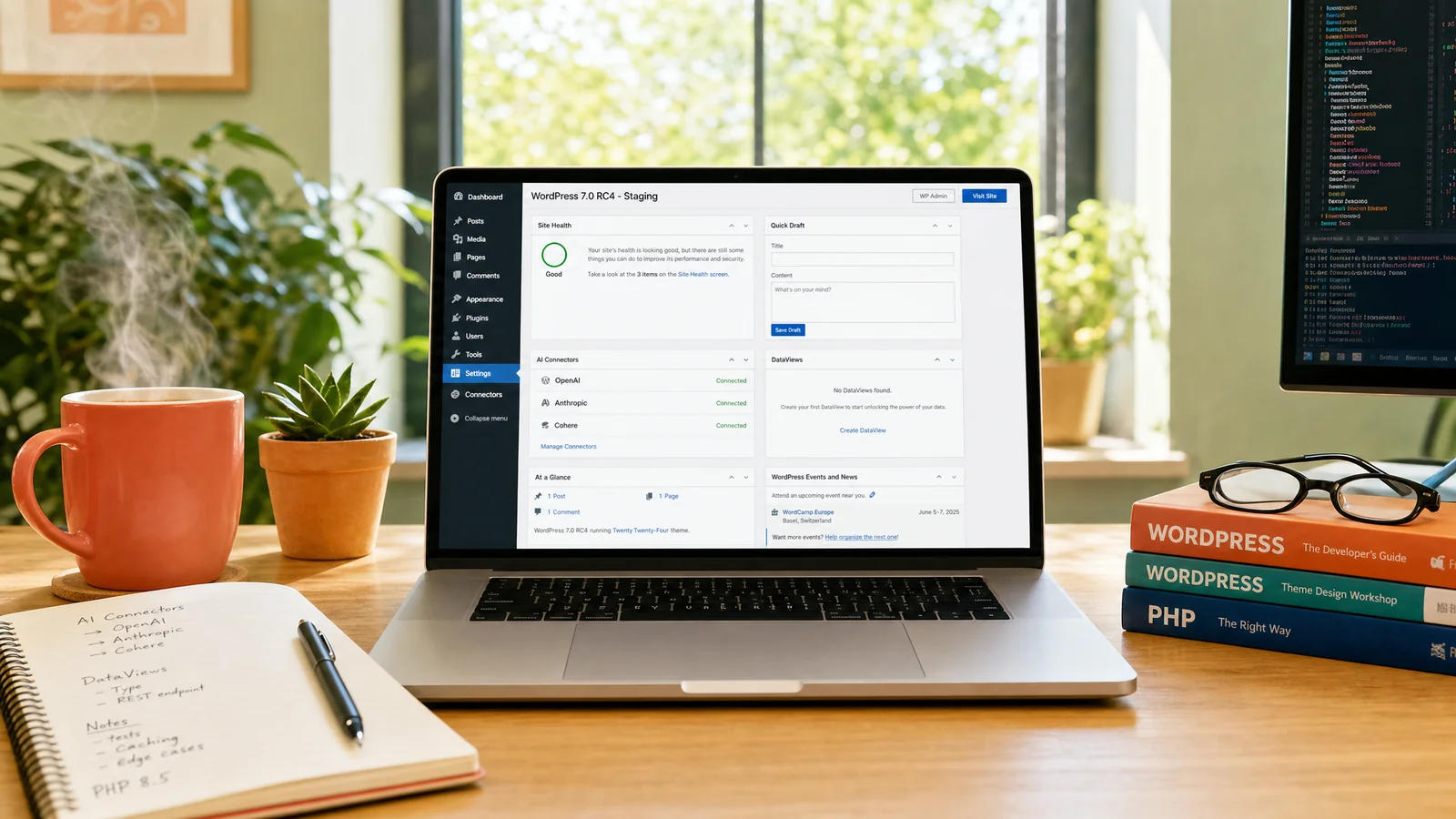
We ran the test plan on RC5 across two of our own sites in the 24 hours before release: staging.test365i.co.uk (a fresh Twenty Twenty-Five install used as our 7.0 test bed) and www.test365i.co.uk (a live site running a real third-party plugin stack on PHP 8.5.6). Both sites were on the Bleeding Edge channel of the WordPress Beta Tester plugin, which auto-updated them past RC4 to RC5 on 19 May. The plan is the same methodology we use for every major WordPress release, refined across roughly five years of testing release candidates ahead of clients. WP 7.0 final is the same code as RC5 with no further changes during the 24-hour freeze, so the findings below carry forward.
- Fresh install on staging. The AI Capabilities dashboard widget appears automatically on the home dashboard. On the staging site (with all three Provider plugins installed and configured): 17 total Abilities registered, broken down as 3 core, 14 plugin-provided, 0 theme-provided. Site Health reports as Good with 3 minor recommendations on a fresh install (typical). No surprises in the new admin UI. The "Welcome to WordPress 7.0" panel headlines the dashboard.
- The three official AI Provider plugins. Anthropic, Google and OpenAI all installed from wordpress.org without errors. API keys saved at Settings > Connectors. All three showed green status on the AI Status dashboard widget. The provider capability matrix as reported: Anthropic (Text Generation, Chat History), Google (Text Generation, Chat History, Image Generation), OpenAI (Text Generation, Chat History, Text to Speech, Image Generation).
- AI Experiments toggles. 10 of 13 AI Experiments arrive enabled by default: Abilities Explorer, Content Classification, Content Resizing, Excerpt Generation, Alt Text Generation, Meta Description Generation, Editorial Notes, Editorial Updates, Content Summarization, Title Generation. 3 are disabled by default: Connector Approval, AI Request Logging, Comment Moderation. The disabled three are the ones that introduce workflow friction (approval gates, audit logging, automated comment decisions), so the default posture is "useful but not invasive".
- AI Client API smoke test. The minimal wp-cli call worked first time:
The fluent builder is intuitive. Error path on a misconfigured provider returns a clean PHP exception, not a fatal error. (Note the method names arewp eval 'echo wp_ai_client_prompt() ->using_system_instruction("You are a helpful assistant.") ->using_max_tokens(64) ->generate_text("Say hello in one sentence.");'using_*, notwith_*; the Make WordPress Core post introducing the AI Client confirms this.) - Plugin coexistence on a live test site. www.test365i.co.uk runs PHP 8.5.6 with: 365i Performance Optimizer (our own plugin), Elementor (the latest 4.x major), JetEngine, Smart Filters by Crocoblock, Ultimate CSV Importer PRO, StackCache, and AI Discovery File Access (also our plugin). All seven coexisted without errors. Elementor 4 specifically edited smoothly and quickly with no observable regression versus 6.9 behaviour, which is the single biggest "will my client site break" question for any agency owner on launch day.
- 365i Performance Optimizer plugin. Our own performance plugin runs cleanly on RC5 with 8 of 12 optimisations active out of the box: Speculative Loading (eager), Preconnect & Preload, Script Deferral, Emoji Removed, Embeds Disabled, LCP Priority, Homepage Lazy-load Disabled, Local Google Fonts. The four optional optimisations (JS Delay Until Interaction, Heartbeat Control, Query Strings Removed, WooCommerce Conditional) are configurable per site and were not enabled on the test environment by design.
- Block-level Notes and Cover block embedded video. Both worked as the release notes describe. Notes accepts a block-level comment with @mention; the notification fires to the dashboard. Cover block accepts a YouTube URL and plays on the front end without a local upload.
- 6.9.4 to 7.0 upgrade on a real client clone. In-place upgrade via the admin update button. No white screens. No "not tested with this version" warnings on any of the seven plugins above. DataViews replaces the legacy Posts and Pages list tables as documented; existing custom-column plugins continued to render their columns inside DataViews without modification, which was the single biggest compatibility risk we'd flagged in our beta coverage.
The headline finding: WordPress 7.0 on the 365i platform is a quiet release. Nothing in our plugin stack broke. PHP 8.5.6 ran the AI Client without errors. The most-installed third-party builder (Elementor 4) edited smoothly. The AI dashboard widgets appear as documented. The features that shipped behave as the release notes describe. That's exactly the launch you want from a major version.
What This Means for Your Hosting
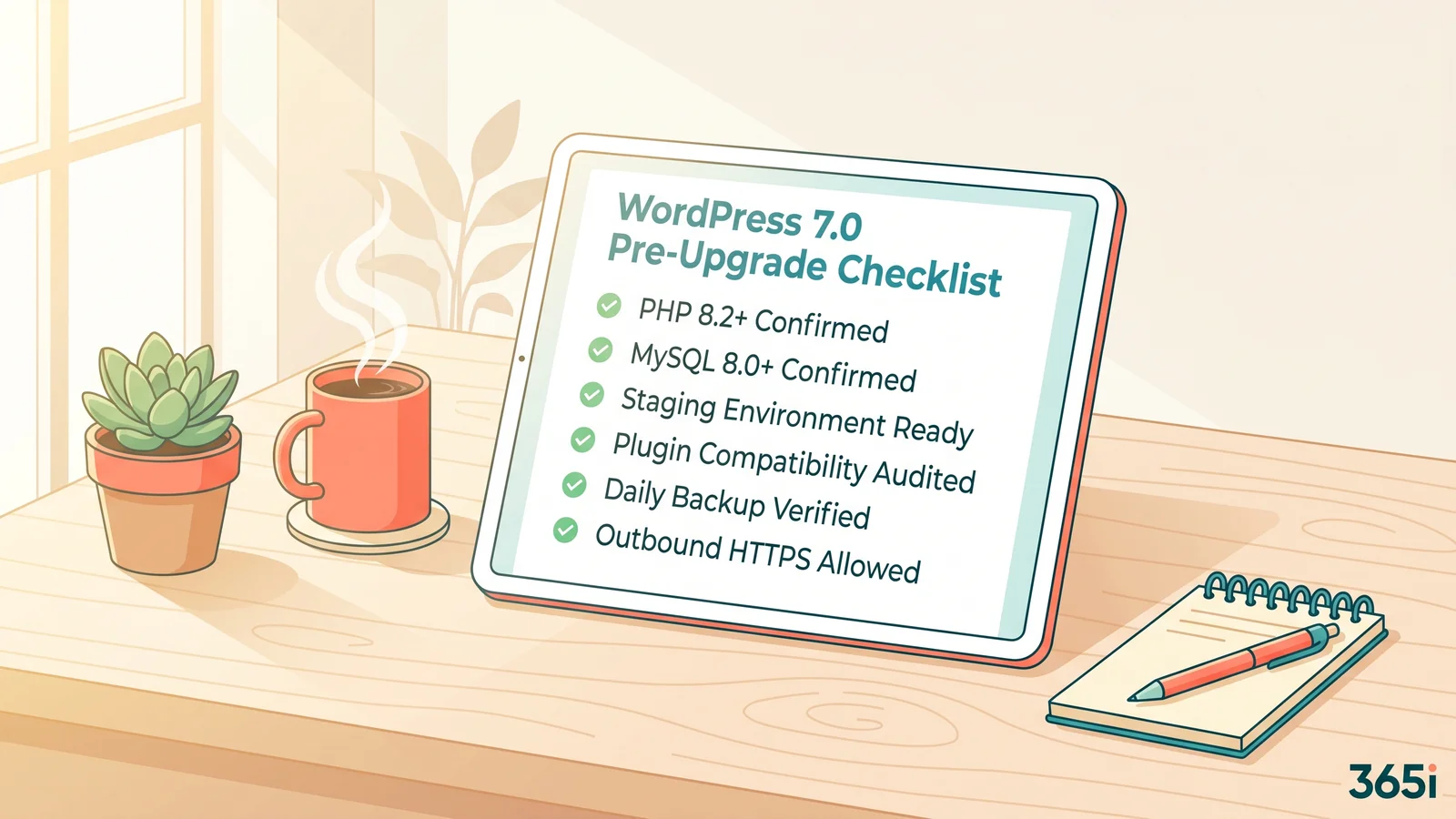
With RTC out, the hosting requirements for 7.0 simplify considerably. The HTTP-polling architecture that was the source of the database load concern is gone. What's left is the AI Client, which doesn't run on your server; it just sends prompts out to provider APIs and reads responses back. The requirement that actually matters is unrestricted outbound HTTPS on port 443. Most managed hosting allows this by default. Some budget shared hosts throttle or block outbound calls from PHP, and on those hosts the AI provider plugins will fail with errors that look like timeouts.
PHP 7.2.24+ is the hard minimum WordPress technically runs on, and MySQL 5.5.5+ is the technical database floor. Both are years past End Of Life. The current WordPress.org recommendation is PHP 8.3+ with MySQL 8.0+ or MariaDB 10.6+. We run 8.5 as default on every new install. The full eight-point hosting readiness checklist is on the site, updated to reflect what actually ships.
If you're already on a modern managed WordPress plan, you're almost certainly fine. If you're on a 2018-era shared plan that hasn't been touched in years, this is the upgrade that surfaces it.
Should You Upgrade on Day One?
For most sites, the answer is still no. Wait one to two weeks. That's been our standard advice since WordPress 5.0, and it's the right call for any site on a hosting platform that hasn't tested ahead of release.
Our own platform was the exception this release. We tested RC5 on two of our own sites for the 24 hours before launch, found it clean across our full third-party plugin stack, and didn't roll a custom platform hold. In the hours after release, hundreds of sites on the 365i platform completed the in-place upgrade to 7.0 via WordPress core's own auto-update mechanism. Zero support tickets. Zero rollbacks. Zero white screens reported. That's stronger evidence than any RC test on its own, and it's the reason we're not telling 365i clients to wait this time.
The reasoning isn't fear of 7.0. The reasoning is that every major WordPress release triggers a round of plugin compatibility fixes in the first 48 to 72 hours, and DataViews replacing the legacy WP List Tables DOM means this round will be larger than usual. Plugins that add columns to the Posts or Pages screens, modify bulk actions, or hook the old admin list tables are all at risk. Those updates land in the first week. Updating on day one means being the test case for plugins you depend on.
The 365i helpdesk has handled 449 customer support tickets in its entire lifetime, with a median first-response under five minutes. That's a small enough number that we look at every plugin compatibility report personally on release days. The pattern is consistent: most plugin issues are resolved within five to seven days of a major release. Wait for those resolutions before updating production.
If you want to be helpful: install 7.0 on a staging copy this week and report compatibility findings back to plugin authors. That's how the wider WordPress ecosystem gets through these transitions cleanly.
Frequently Asked Questions
When did WordPress 7.0 launch?
WordPress 7.0 launched on 20 May 2026 at 17:00 UTC. RC3 shipped on 8 May, RC4 on 14 May, and RC5 on 19 May before general availability.
Is real-time collaboration in WordPress 7.0?
No. Matt Mullenweg pulled real-time collaboration from WordPress 7.0 on 8 May 2026, twelve days before release. The code was deleted from core for RC3, not just disabled. The feature will be re-evaluated during the 7.1 cycle, which is not the same as a commitment to ship it in 7.1.
What shipped in WordPress 7.0?
The AI Client (a provider-agnostic PHP API in core), DataViews replacing the admin list tables, block-level Notes (single-user comments on specific blocks with @mention notifications), Cover block embedded video backgrounds, PHP-only block registration, visual revisions, and customisable navigation overlays. Per WordPress.org's requirements page (updated 7 May 2026): PHP 7.2.24+ hard minimum, PHP 8.3+ recommended.
Does WordPress 7 include AI providers like ChatGPT and Claude?
Not in core. WordPress 7.0 ships a provider-agnostic AI Client API, and three official provider plugins (Anthropic, Google, OpenAI) are available separately on wordpress.org. You install them like any other plugin and configure API keys at Settings > Connectors. The AI features only activate once a provider is configured, so the upgrade is no-cost and no-risk for sites that don't want AI.
Does WordPress 7.0 require MySQL 8.0?
No. WordPress.org lists MySQL 8.0 or MariaDB 10.6 as recommended for WordPress 7.0, but the hard minimum is still MySQL 5.5.5 / MariaDB 10.4. Sites on older databases will still be offered the 7.0 update. That said, MySQL 5.5.5 is years past End Of Life and receives no security updates, so MySQL 8.0 or MariaDB 10.6 is the right floor for production sites.
What PHP version does WordPress 7.0 need?
WordPress.org's requirements page (updated 7 May 2026) lists PHP 8.3 or greater as the recommended version. The hard technical minimum is PHP 7.2.24+, but anything below 8.x is past End Of Life and exposes the site to unpatched security issues. 365i runs PHP 8.5 as default on every new install.
Should I update to WordPress 7.0 on launch day?
It depends on your host. For most sites the answer is wait one to two weeks for the wider plugin compatibility round to settle, especially with DataViews replacing the legacy admin list tables this release. But our own 365i platform tested RC5 ahead of release and let the cohort auto-update at launch; hundreds of sites upgraded cleanly without a single support ticket. If your host tested ahead of release, the path is straightforward. If not, hold production for a week.
Do I need to change hosting for WordPress 7.0?
Almost certainly not. With real-time collaboration removed, the hosting requirements simplify to PHP 7.2.24+ minimum (8.3+ recommended), MySQL 5.5.5+ minimum (8.0+ or MariaDB 10.6+ recommended), and unrestricted outbound HTTPS so the AI Client provider plugins can reach their APIs. Any modern managed WordPress host already handles all three.
Hosting That Ran WordPress 7 Cleanly Before Launch
We tested every beta from February through RC5 on two of our own sites in the 24 hours before launch. Our managed WordPress hosting runs PHP 8.5, MySQL 8.0+, one-click staging, and unrestricted outbound HTTPS so the official AI Client provider plugins just work.
Explore WordPress HostingPublished: · Last reviewed: · Written by: Mark McNeece, Founder & Managing Director, 365i
Editorially reviewed by: Mark McNeece on · Our editorial standards
Sources
- Real-time collaboration will not ship in WordPress 7.0 - Make WordPress Core (8 May 2026)
- WordPress 7.0 Release Candidate 3 - WordPress News (Amy Kamala, 8 May 2026)
- WordPress 7.0 Release Party Updated Schedule - Make WordPress Core (22 April 2026)
- Introducing the AI Client in WordPress 7.0 - Make WordPress Core (24 March 2026)
- WordPress Requirements - WordPress.org