Update (23 April 2026): The WordPress release squad confirmed the revised schedule on 22 April. The stable release has moved from 9 April to 20 May 2026 after the cycle was extended to rework the real-time collaboration database. The AI Connectors described below are unchanged. Our WordPress 7.0 features guide has the current timeline.
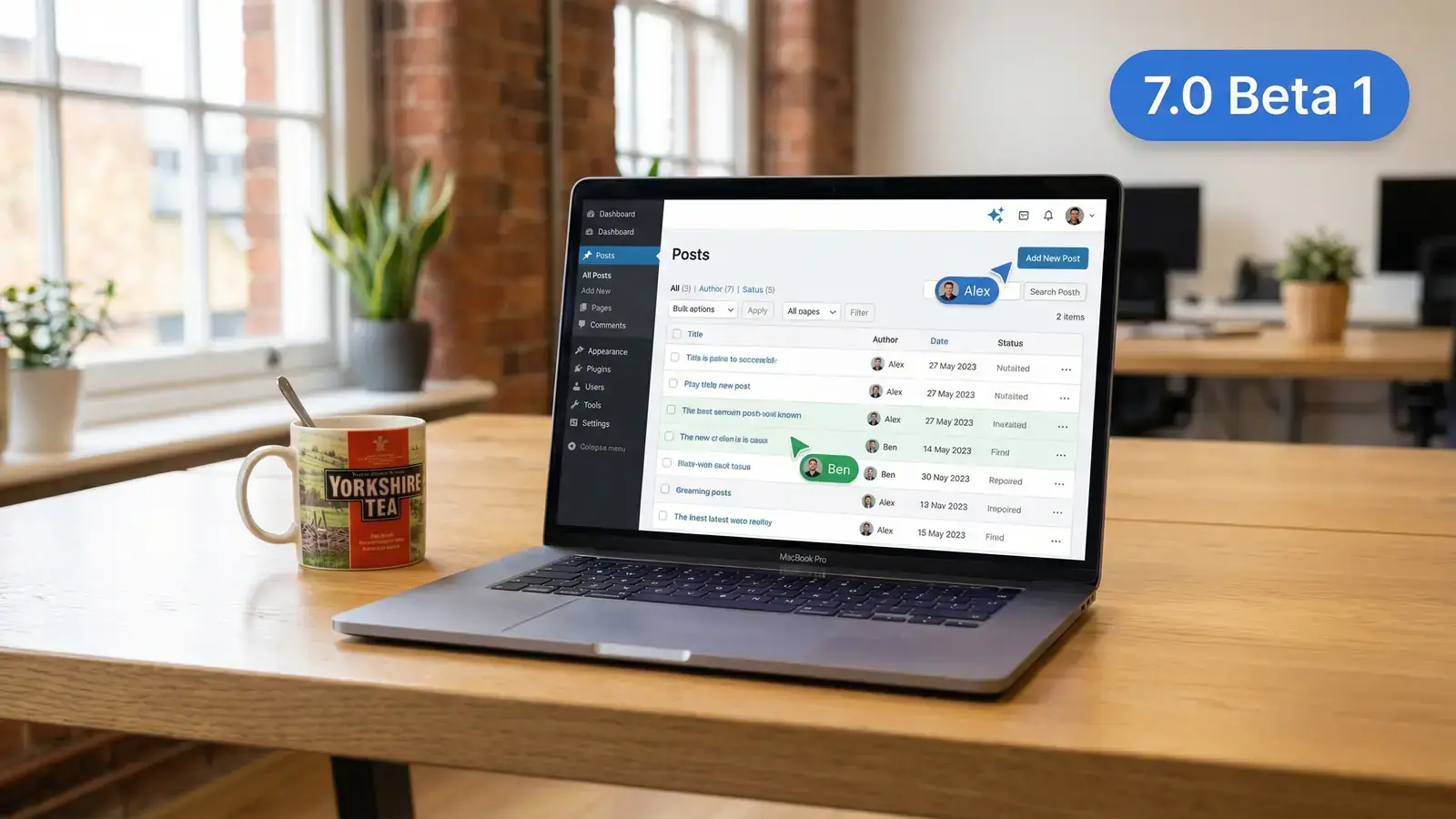
WordPress 7 Beta 2 dropped on 26 February 2026 with over 70 fixes and one feature that caught my eye: a brand new Settings > Connectors page. I spun up a staging site, installed the beta, and went looking for the AI. What I found was both less exciting and more important than I expected.
If you manage WordPress sites for clients, or run your own, here's what you actually need to know about the AI Connectors before the stable release lands on 20 May 2026.
Setting Up the Test
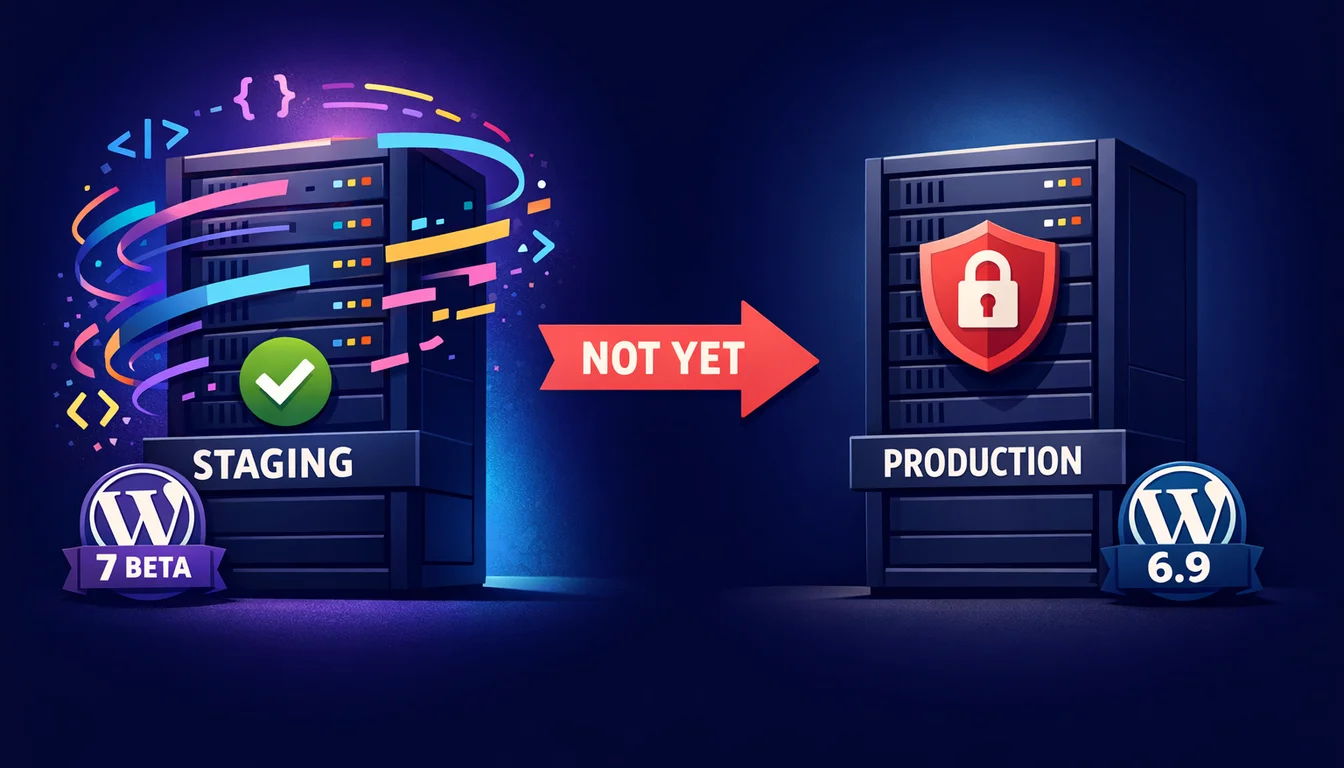
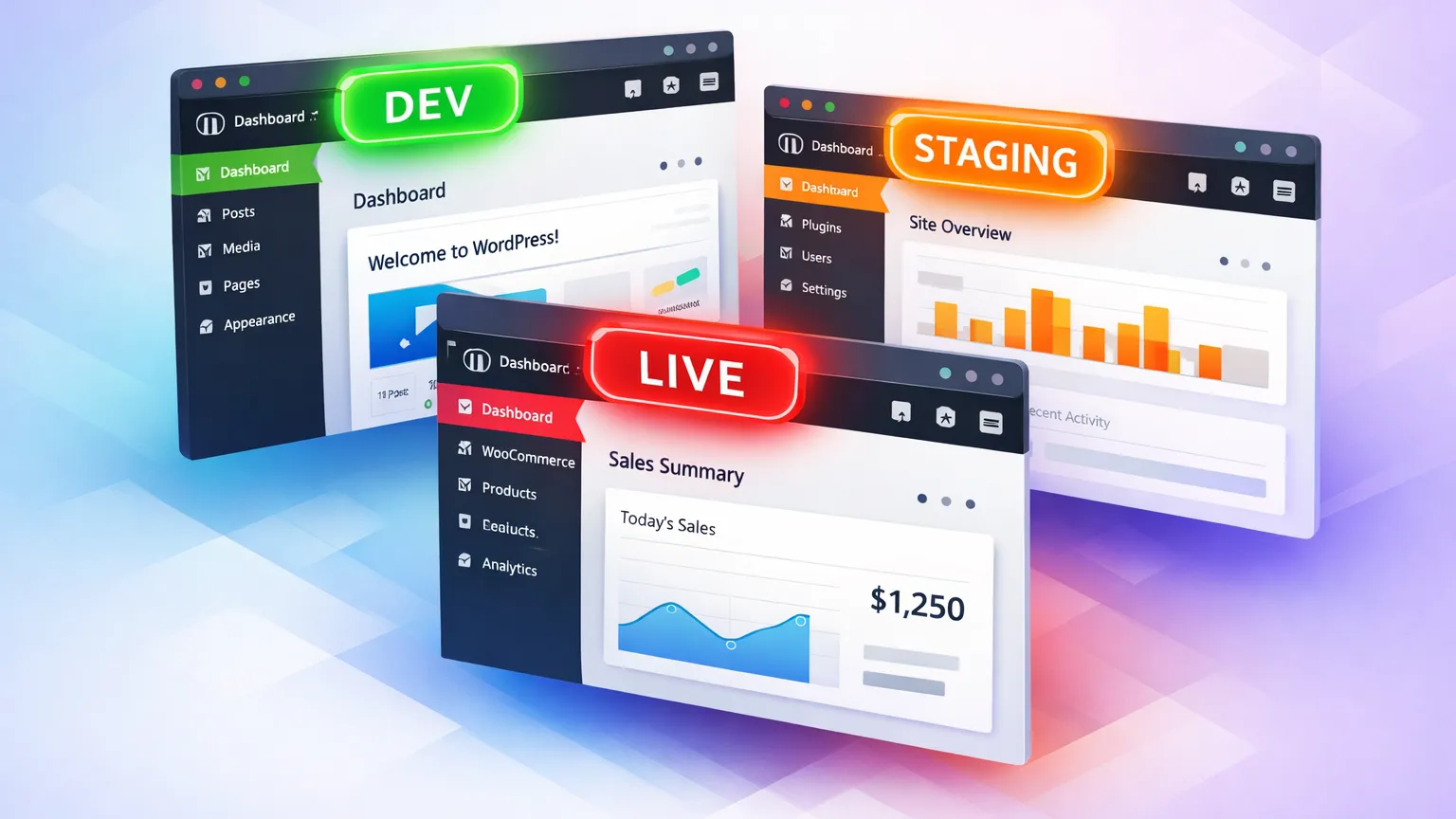
First rule: don't install beta software on a live site. I used WP-CLI to spin up a clean staging instance:
wp core update --version=7.0-beta2You can also use the WordPress Beta Tester plugin (set it to "Bleeding edge" channel, "Beta/RC Only" stream) or grab the zip file directly. There's even a browser-based option via WordPress Playground if you want zero commitment.
I went with WP-CLI on one of our managed WordPress hosting staging environments. The whole upgrade took about 90 seconds.
The Connectors Dashboard: What You Actually See
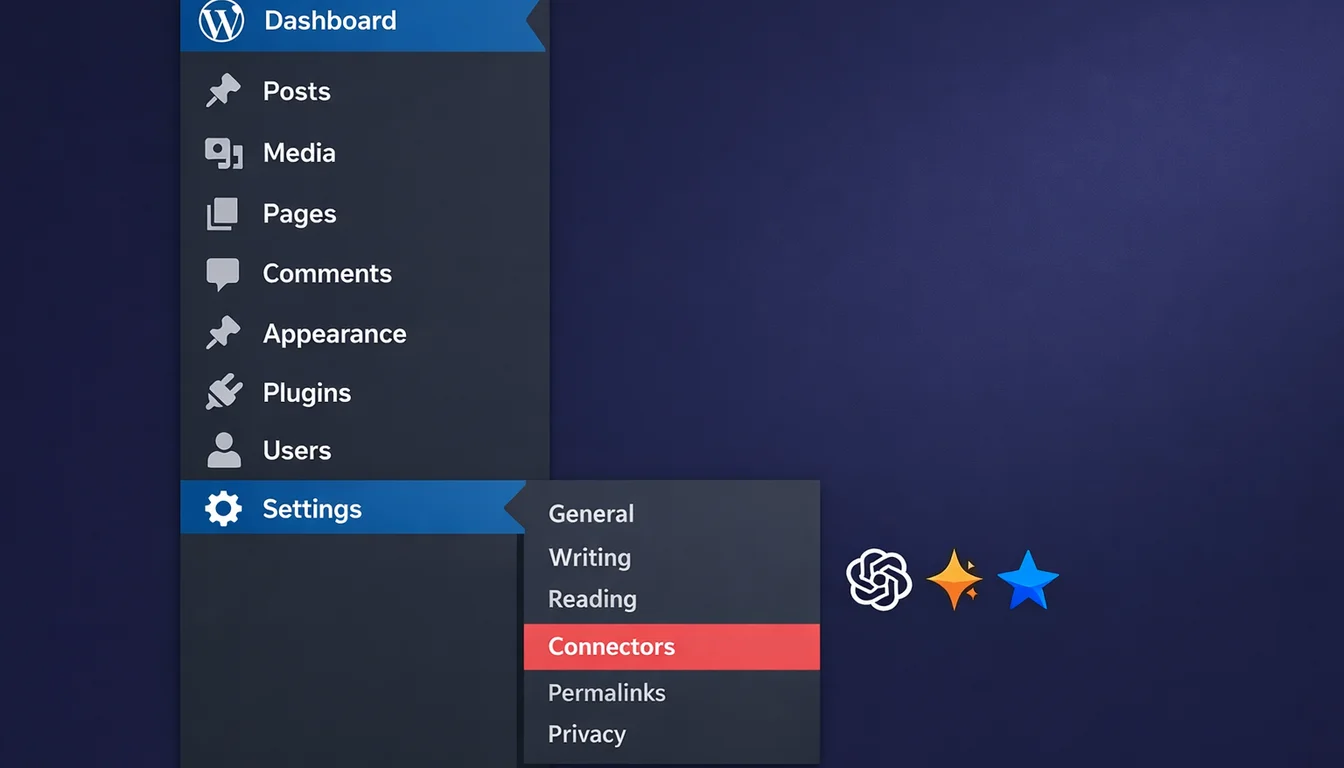
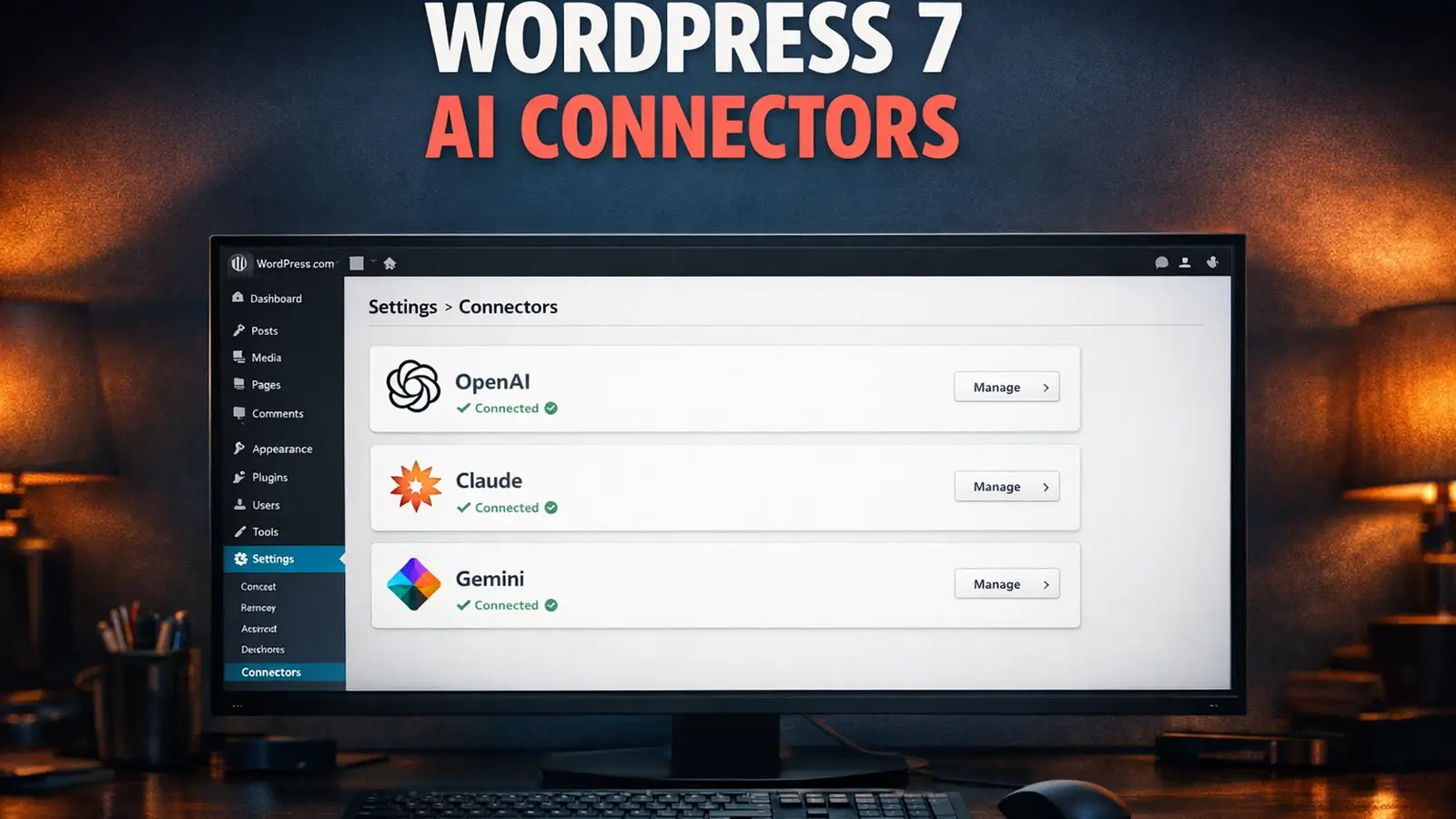
After the upgrade, I headed to Settings > Connectors. The page is clean. Three sections: OpenAI, Anthropic (Claude), and Google (Gemini). Each has an API key input field with a "Save" button. Keys get masked once saved, so you can't accidentally expose them later.
I pasted in my OpenAI key, hit Save, and waited for something to happen.
Nothing happened.
No AI writing assistant appeared. No content suggestions popped up. No clever sidebar panel offered to rewrite my draft. The dashboard looked exactly the same as before I added the key. And that's precisely the point.
Wait, Where's the AI?
When I first heard "AI built into WordPress core," I pictured something like Notion AI or Google Docs' Gemini integration. A button you press, a prompt you type, generated text appearing in your editor. I suspect most people imagined the same thing.
That's not what AI Connectors are. Not even close.
The Connectors page is plumbing. It's a centralised vault for API credentials. Before WordPress 7, every plugin that wanted to use an AI service needed its own settings page, its own API key field, and its own connection logic. Yoast SEO might ask for your OpenAI key. An image generator plugin would ask for it again. A chatbot plugin would ask a third time. Three plugins, three copies of the same API key scattered across three different settings screens.
Connectors fixes that. You enter your OpenAI key once, in one place, and every plugin on your site can use it. Same for Claude. Same for Gemini. It's credential management, not artificial intelligence.
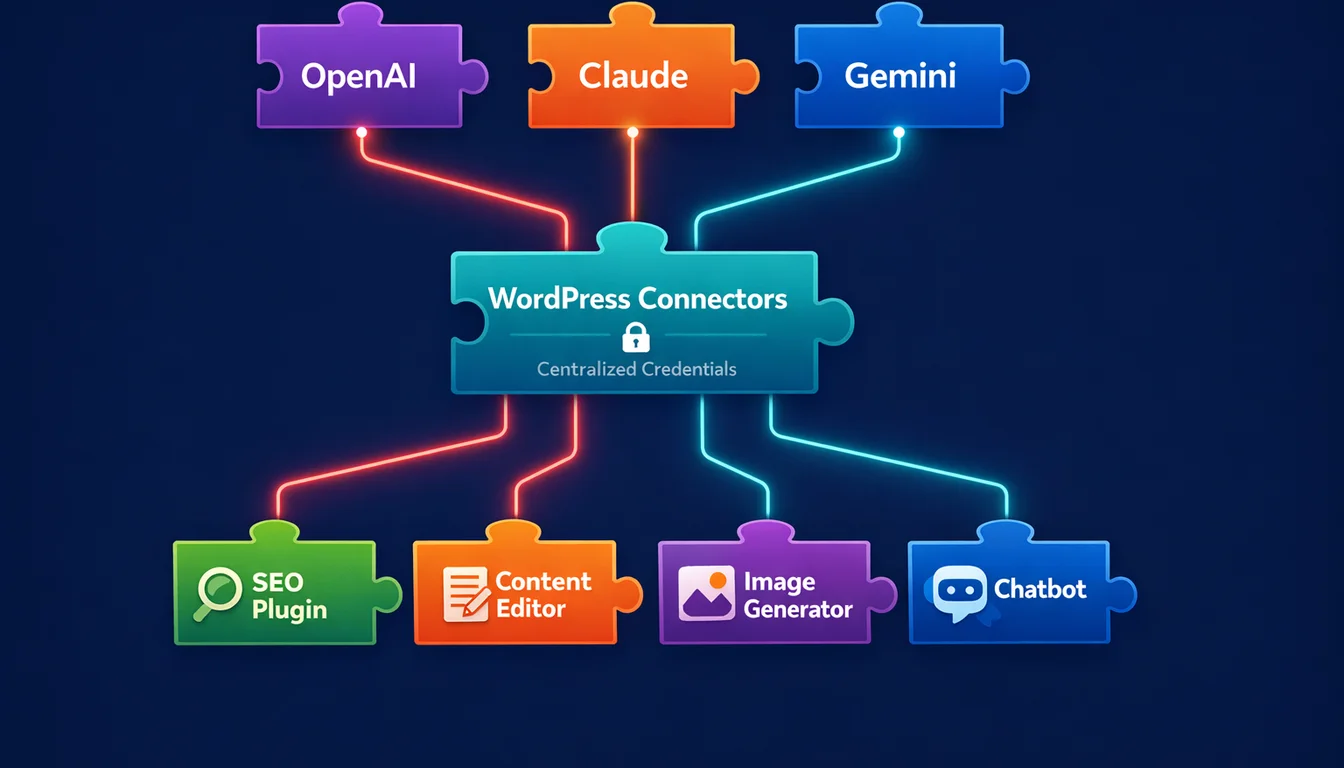
Think of it like a password manager for AI services. You wouldn't call 1Password an "AI tool," but without it, managing credentials across dozens of services would be a mess. That's what Connectors does for WordPress plugins.
What Developers Actually Get
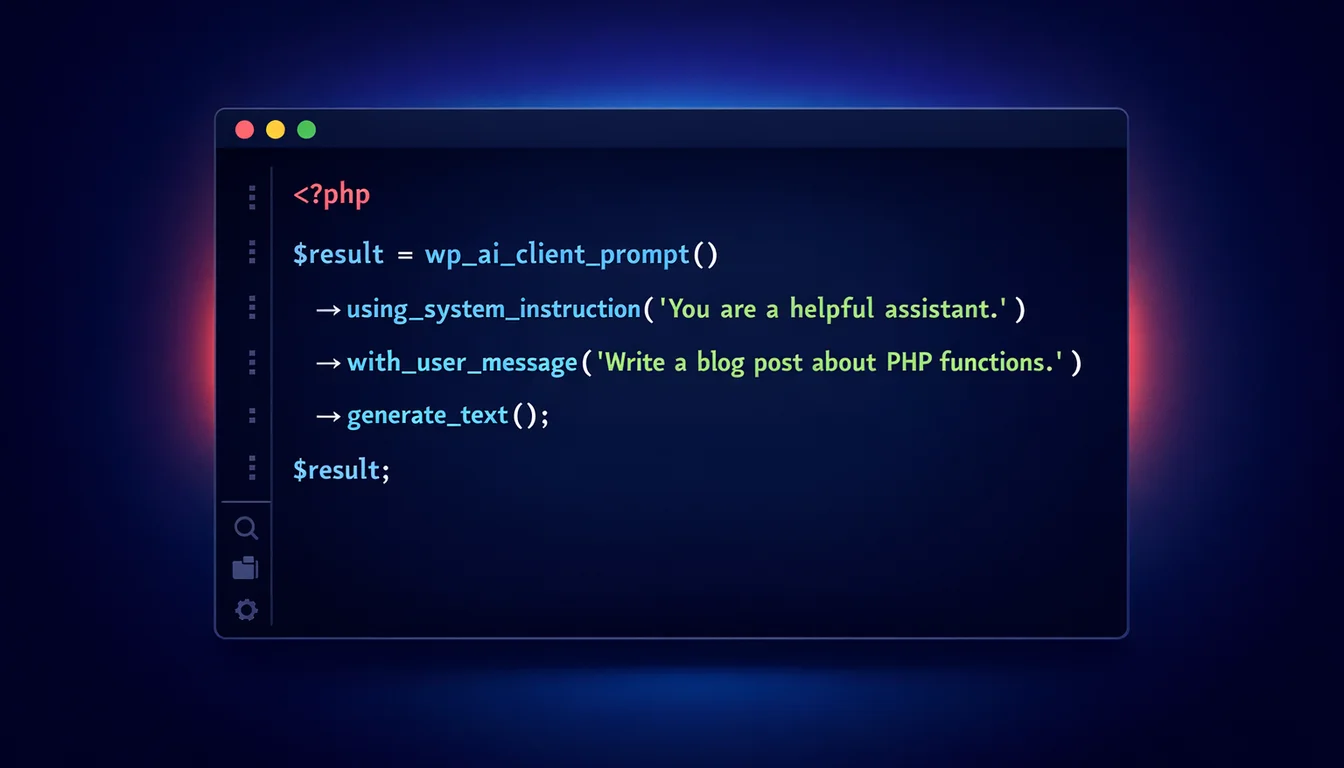
This is where it gets interesting. The real value of WordPress 7's AI layer isn't in the admin screen. It's in the wp_ai_client_prompt() function that plugin and theme developers can call from PHP.
Here's the simplest example. A plugin wants to generate a post summary:
$summary = wp_ai_client_prompt( 'Summarize this post.' )
    ->using_system_instruction( 'Write concise summaries. Return plain text only.' )
    ->generate_text();
That's it. No SDK imports, no API key handling, no curl requests. The developer doesn't need to know whether the site owner configured OpenAI, Claude, or Gemini. WordPress handles the routing.
You can get more specific if you need to. Here's generating alt text for an image with a model preference:
$image_file = get_attached_file( $attachment_id );
$mime_type  = get_post_mime_type( $attachment_id );

$alt_text = wp_ai_client_prompt( 'Generate alt text for this image.' )
    ->using_system_instruction(
        'You are an accessibility expert. '
        . 'Keep it under 125 characters. '
        . 'Describe visible content objectively. '
        . 'Do not start with "Image of". Return plain text only.'
    )
    ->with_file( $image_file, $mime_type )
    ->using_model_preference( 'claude-sonnet-4-6', 'gpt-5.1' )
    ->generate_text();
The using_model_preference() method tells WordPress which models you'd prefer, in order. If the site owner only has an Anthropic key configured, it'll use Claude. If they have OpenAI, it'll use GPT. The plugin doesn't care.
For structured data, there's JSON output with schema validation:
$schema = [
    'type'       => 'object',
    'properties' => [
        'excerpt' => [
            'type'        => 'string',
            'description' => 'A 1-2 sentence summary of the post.',
        ],
    ],
    'required'   => [ 'excerpt' ],
];

$json = wp_ai_client_prompt( "Write an excerpt for:\n\n" . $content )
    ->using_system_instruction( 'Generate post excerpts for WordPress.' )
    ->as_json_response( $schema )
    ->generate_text();
And feature detection is simple enough:
if ( function_exists( 'wp_ai_client_prompt' ) ) {
    // AI features available - show the UI
} else {
    // No AI client - show manual alternative
}
On the JavaScript side, the Abilities API lets block editor extensions call AI through a similar interface:
import { executeAbility } from '@wordpress/abilities';

const result = await executeAbility(
    'ai-content-helpers/generate-excerpt',
    { post_id: 123 }
);
Felix Arntz, the Google-sponsored WordPress Core contributor who co-leads the WordPress AI Team, put it well in the original merge proposal:
"Providing this foundation, in collaboration with the Abilities API that is already part of core, will make WordPress ready for AI, both as a consumer and as a tool."
I've been building WordPress plugins since 2002. The number of times I've had to write custom API wrapper code for external services, handle key storage, manage different authentication methods across providers... it's tedious work that every developer duplicates. Having this baked into core saves real development time, and more importantly, it reduces the security surface. One storage mechanism for API keys beats fifteen different plugin implementations.
The MCP Adapter: AI Agents Meet WordPress
There's a second piece that's less visible but arguably more forward-looking: the MCP (Model Context Protocol) Adapter. This lets AI agents like Claude Desktop, Cursor, and Claude Code interact with your WordPress site programmatically.
The Abilities API (shipped in WordPress 6.9) lets plugins register "abilities," which are discrete units of work: fetching data, updating posts, running diagnostics. The MCP Adapter converts those abilities into MCP primitives that AI tools understand. So an AI agent can discover what your WordPress site can do, then execute those tasks with proper permission checks.
For developers, you expose an ability to AI agents by adding MCP metadata:
wp_register_ability( 'myplugin/generate-report', [
    'input_schema'  => [ /* typed parameters */ ],
    'output_schema' => [ /* typed returns */ ],
    'permission_callback' => function() {
        return current_user_can( 'manage_options' );
    },
    'execute_callback' => 'myplugin_generate_report',
    'meta' => [
        'mcp' => [ 'public' => true ],
    ],
] );
Matt Mullenweg has been talking about making WordPress "agentic" for months. On the WP-Tonic podcast in February, he stressed designing "agentic usability" by strengthening APIs, WP-CLI, and machine-friendly interfaces so AI agents can operate WordPress tasks safely.
"It's one of those things, we can build all the things [but] if we don't tell people or teach them or show them or bring them along, it doesn't matter."
He's right. And the gap between "AI infrastructure exists in core" and "site owners understand what it does" is exactly what this article is trying to bridge.
70 Bug Fixes and What Else Changed
The Connectors UI is the headline, but Beta 2 also landed over 70 bug fixes across the editor and core. After a few hours of testing, here are the things I noticed:
Editor stability is better. Beta 1 had some rough edges with block transforms and undo history. Beta 2 felt noticeably smoother. I didn't encounter any editor crashes during my session, which is more than I can say for some Beta 1 reports.
Plugin compatibility is mixed. WooCommerce 10.4.x worked fine. Yoast SEO current release loaded without errors. A few smaller plugins threw deprecation notices, but nothing that broke functionality. If you've been through a major WordPress upgrade before (and if you're reading this, you probably have), you know the drill: test your specific plugin stack before upgrading.
Performance felt comparable to 6.9. I didn't run formal benchmarks this time, but page loads on the staging site felt consistent with the speed improvements we documented in WordPress 6.9. The AI layer adds no overhead unless you actively make API calls.
The Connectors admin page itself is built on @wordpress/components and @wordpress/admin-ui, using a route-based architecture. For developers building admin interfaces, this is a useful reference for how to structure extensible settings pages in 7.0.
What's Missing (And What Comes Next)
A few things aren't in Beta 2 that I expected:
No third-party provider extensibility yet. Right now, only the three official provider plugins (OpenAI, Google, Anthropic) can register on the Connectors page. If you've built an AI plugin that uses a different provider, say Mistral or Cohere, you can't add your own connector screen. That extensibility layer is planned for WordPress 7.1.
No built-in AI features for end users. WordPress 7.0 ships the infrastructure, not the features. If you want AI-powered content generation, alt text writing, or SEO suggestions, you'll still need plugins that use the new API. The core team has deliberately kept the "what AI does" layer separate from the "how AI connects" layer. The official AI Experiments plugin is where those practical features live.
Provider plugin installation from the Connectors page. This is partially working in Beta 2. The page can detect if you don't have a provider plugin installed and offers to install it. The flow still feels a bit rough, but it's heading in the right direction.
Should You Install It?
If you're a developer building AI-powered WordPress plugins, install Beta 2 on a staging site today. The API is stable enough to start building against, and getting ahead of the stable release gives you a month of lead time.
If you're a site owner or agency managing client sites, wait. The stable release is 20 May 2026. There's no reason to risk a production site on beta software. When 7.0 lands, the upgrade path should be familiar if you've followed WordPress major releases before. In the meantime, check whether your hosting is actually ready for what 7.0 demands.
If you're curious but cautious, try WordPress Playground. It runs entirely in your browser, takes seconds to set up, and you can break things without consequences. It's how I do initial testing before committing to a full staging environment.
WordPress powers 42.6% of all websites as of March 2026. The AI Connectors aren't going to change that number overnight. But they signal where the CMS is heading: a platform where AI capabilities are standardised, secure, and available to every plugin developer without reinventing the wheel. That's less glamorous than "WordPress has AI now." It's also considerably more useful.
Our hosting platform will be ready for WordPress 7.0 on day one of the stable release, as it has been for every major version since we first started hosting WordPress sites.
Frequently Asked Questions
What are AI Connectors in WordPress 7?
AI Connectors are a centralised credential management system for AI services. You enter your API keys for providers like OpenAI, Claude, or Gemini once in Settings > Connectors, and every plugin on your site can use them. They don't add any visible AI features to your dashboard.
Do AI Connectors add AI writing or content generation to WordPress?
No. Connectors are infrastructure, not features. They store API credentials securely so plugins can access AI services. You'll still need specific plugins (for SEO, content generation, image alt text, etc.) that use the new wp_ai_client_prompt() API to get AI-powered features.
Should I install WordPress 7 Beta 2 on my live site?
No. Beta and RC builds are for testing on staging environments only. The stable release of WordPress 7.0 is scheduled for 20 May 2026. Wait for that before upgrading production sites.
Which AI providers does WordPress 7 support?
WordPress 7.0 ships with official provider plugins for OpenAI, Google (Gemini), and Anthropic (Claude). Third-party providers can't register on the Connectors page yet; that extensibility is planned for WordPress 7.1.
Do I need an AI API key to use WordPress 7?
No. AI Connectors are entirely optional. WordPress 7 works exactly like previous versions without any API keys configured. You only need keys if you install plugins that use the AI Client API.
What is the WordPress Abilities API?
The Abilities API, introduced in WordPress 6.9, lets plugins register discrete units of work (fetching data, updating posts, running diagnostics) as standardised "abilities." In WordPress 7, the MCP Adapter converts these abilities into tools that AI agents like Claude Desktop and Cursor can discover and execute.
When is the WordPress 7.0 stable release?
20 May 2026. The original 9 April target was pushed back to rework the real-time collaboration database. The revised schedule, confirmed on 22 April 2026, runs: Host Testing call 24 April, RC 3 on 8 May, RC 4 on 14 May, code freeze 19 May, GA 20 May. Follow the Make WordPress Core blog for any further updates.
Will my existing plugins break on WordPress 7?
Most well-maintained plugins should work fine. In my Beta 2 testing, WooCommerce and Yoast SEO loaded without issues. Some smaller plugins showed deprecation notices. Test your specific plugin stack on a staging site before upgrading production.
Ready for WordPress 7?
Our managed WordPress hosting platform will support WordPress 7.0 from day one. Every plan includes staging environments for safe beta testing.
Explore WordPress HostingSources
- WordPress 7.0 Beta 2 - WordPress.org News
- Proposal for merging WP AI Client into WordPress 7.0 - Make WordPress Core
- How to Use the WordPress AI Client - Rich Tabor
- From Abilities to AI Agents: Introducing the WordPress MCP Adapter - WordPress Developer Blog
- Usage Statistics and Market Share of WordPress - W3Techs
- WordPress, AI, Plugins, Future of Software Engineering - Matt Mullenweg
Published: · Last reviewed: · Written by: Mark McNeece, Founder & Managing Director, 365i
Editorially reviewed by: Mark McNeece on · Our editorial standards