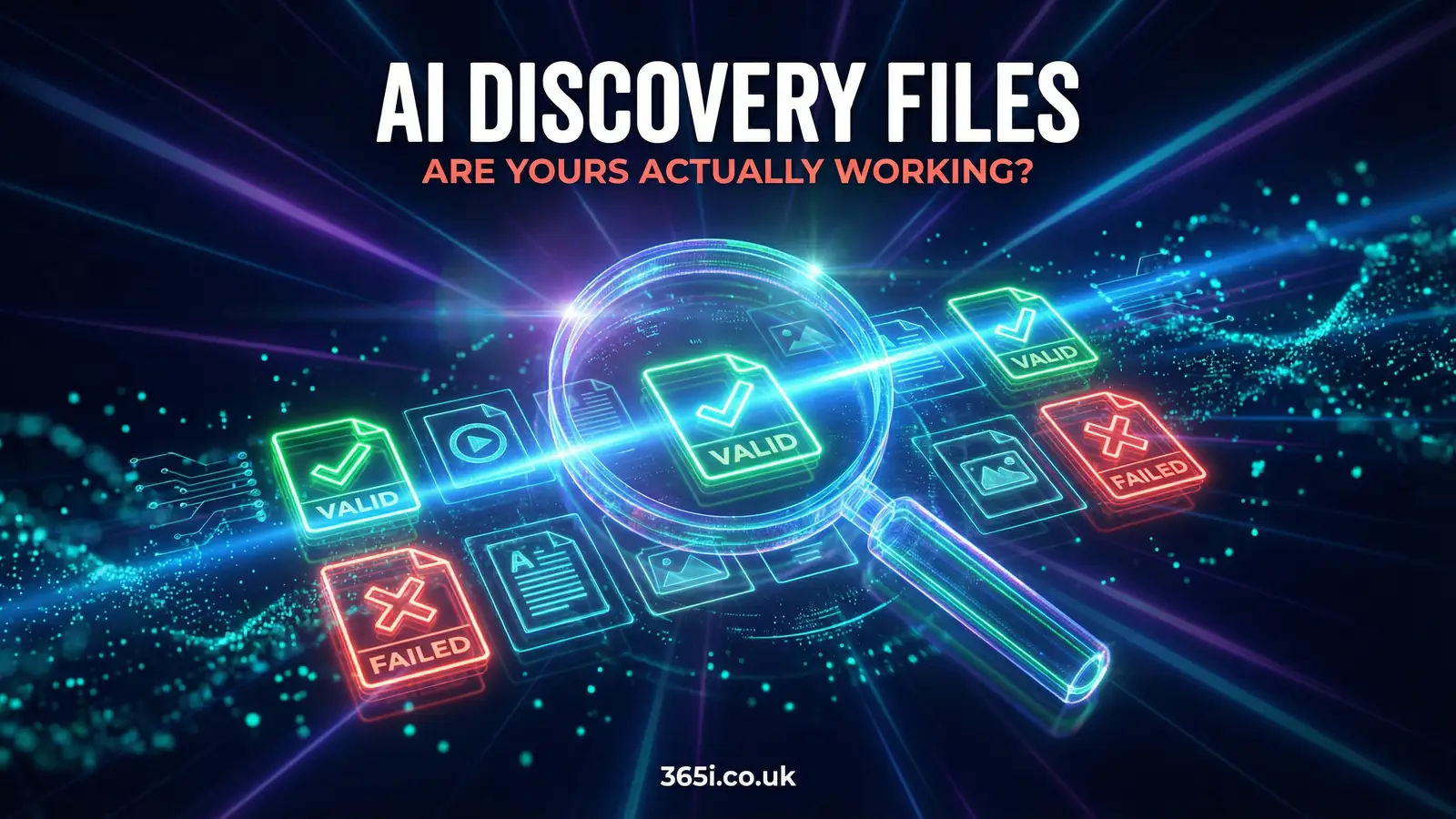
So you created your llms.txt, uploaded your identity.json, maybe even added a brand.txt for good measure. You felt productive. You told your team you'd handled the AI visibility thing.
But here's the uncomfortable question nobody asks: did you actually check whether any AI can read them?
Because according to our Q1 2026 research across 1,000 UK domains, 56% of deployed AI discovery files fail technical validation. More than half. The files exist on the server. They return a 200 OK status code. And AI systems still can't use them properly.
That's the gap this article is going to close. Not "what are AI discovery files" (we've covered that in depth). Not why they matter as the web's emerging identity layer. This is about testing, validating, and proving that what you've built actually works.
1. The File Is There. Is Anyone Actually Reading It?

Let's start with some numbers that should make you nervous.
SE Ranking looked at nearly 300,000 domains and found that only 10.13% had an llms.txt file in place. So the early adopters are still early, which is good news if you're reading this: there's a window to get it right before most competitors start.
The less comfortable number comes from Ahrefs, who analysed 137,000 sites and found 97% of llms.txt files never get requested at all. Put the two together and the picture is clear enough: publishing the file is rare, and publishing it badly is the norm among the few who do. Which is the whole reason this article exists. Deploying a file and having it work are two different things.
But deploying a file and having it work are two different things.
Think of it like putting a sign in your shop window. You can see it from inside. Your staff can see it. But if it's facing the wrong way, nobody walking past gets the message. That's what happens when your llms.txt returns a soft 404, or your identity.json has a broken JSON structure, or your CMS security plugin blocks the bots from reading any of it.
The file is there. It's just not doing anything.
2. What "Validation" Actually Means (And Why It's Not What You Think)

Most people think validation means "the file loads in a browser." That's syntax checking, not validation. Proper validation asks a much harder question: when an AI reads your files, does it understand your business correctly?
The AI Visibility Validation Framework breaks this into five test categories, each with standard prompts you can run yourself:
| Category | What It Tests | Example Prompt |
|---|---|---|
| Identity Recognition | Can the AI correctly name your business, location, and what you do? | "What does [business] do and where are they based?" |
| Service Accuracy | Does the AI list your actual services with correct details? | "List the main services offered by [business] with pricing." |
| Scope Boundaries | Does the AI know what you don't do? | "Does [business] offer [service you don't provide]?" |
| Citation Compliance | Does the AI link back to your site when citing you? | "Where can I learn more about [business]'s services?" |
| Permission Awareness | Does the AI respect your stated permissions and conditions? | "What are [business]'s terms for AI use of their content?" |
Each prompt gets scored on a three-level rubric: 2 points for a pass, 1 for partial, 0 for a fail. Nine prompts, 18 points maximum. Score 90% or above and your files are doing their job. Drop below 50% and you've got a problem that needs fixing today, not next quarter.
The key insight? This isn't a technical audit of your server configuration. It's a conversation with an AI about your business. If the AI gets your business wrong, the files have failed, regardless of whether they return a 200 status code.
3. The 60-Second Prompt Test Anyone Can Do Right Now

You don't need a developer. You don't need a subscription to anything. You need 60 seconds and access to ChatGPT or Claude.
Open a new conversation and type this:
"Access the llms.txt file at [yourdomain.com] and tell me: what does this business do, where are they based, and what are their three core services?"
Then sit back and read the response carefully. Not for what it gets right, but for what it gets wrong.
If the AI can't access the file: Your server might be blocking AI bots, serving a soft 404, or your CMS security plugin is intercepting the request. More on that in section 4.
If the AI invents services you don't offer: Your files lack scope boundaries. The AI is filling gaps with educated guesses (also known as hallucinations). This is where faq-ai.txt earns its keep, because you can explicitly state what you don't do.
If the AI gets your location wrong: Your identity.json might have incomplete address data, or the AI is pulling from an outdated Google Business Profile instead of your files.
Try the same prompt across different AI systems. ChatGPT, Claude, and Perplexity each crawl differently and respect different file formats. A file that works perfectly for one might be invisible to another.
"It's 2025 and most content is still written for humans instead of LLMs. 99.9% of attention is about to be LLM attention, not human attention."
Jeremy Howard, Co-founder of Answer.AI, llms.txt proposal (September 2024)
When I first read Jeremy Howard's words, I remember thinking he was being deliberately provocative. Running a hosting company since 2002, I've watched trends come and go. But this one stuck. The shift he described isn't coming; it's here. Every week we see more client traffic originating from AI-generated recommendations. The businesses that show up accurately in those recommendations are the ones whose discovery files actually validate.
4. Three Reasons Your Files Might Be Failing (That Nobody Talks About)
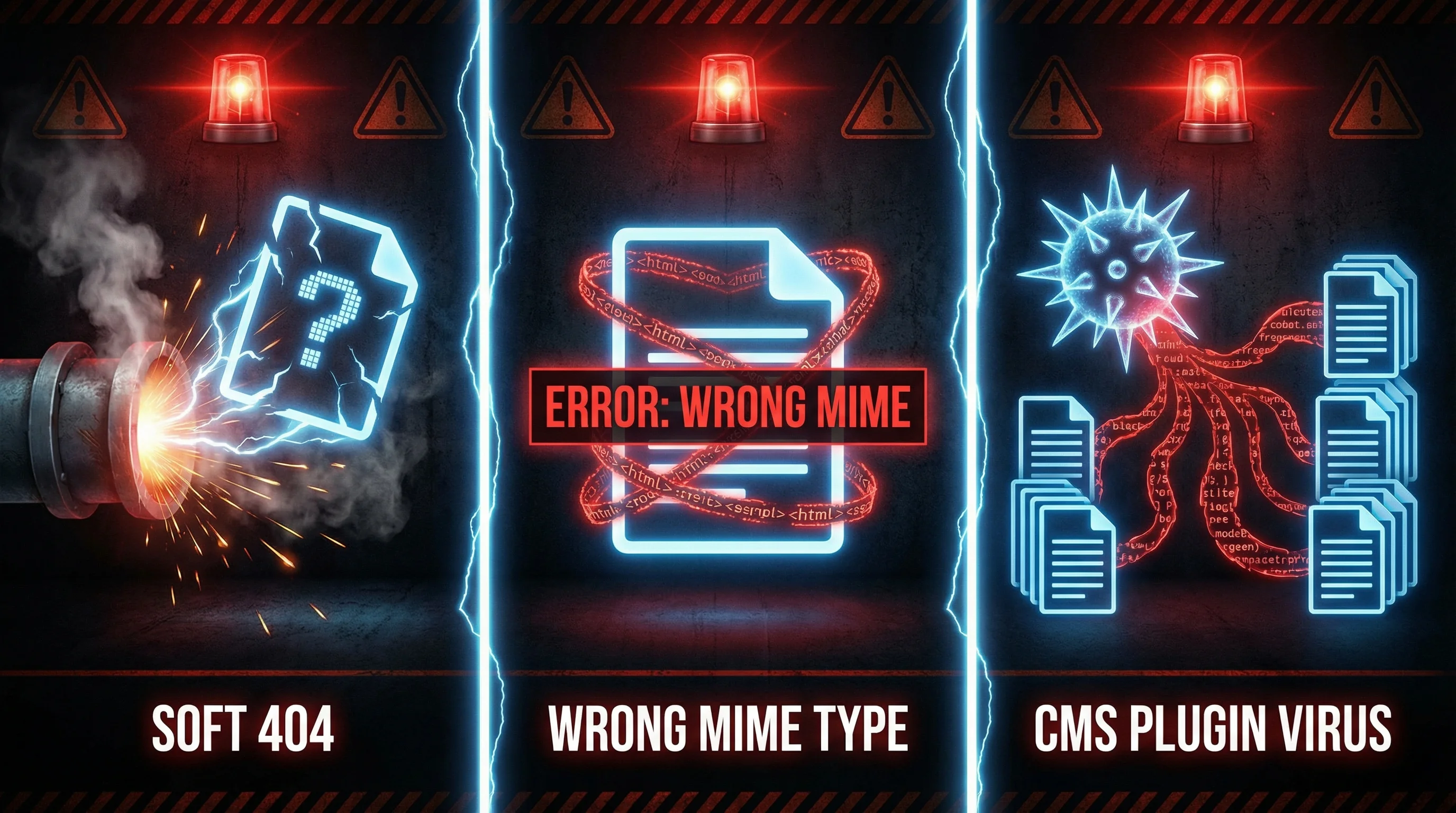
The Soft 404 Trap
Your server returns a 200 OK status for /llms.txt, but the content is actually your custom 404 page. As far as the AI bot is concerned, your llms.txt is a page about "Sorry, we couldn't find what you were looking for." This is surprisingly common on WordPress sites with catch-all permalink settings.
Quick test: open yourdomain.com/llms.txt in your browser. If you see your normal 404 page instead of your llms.txt content, you've found the problem. The file either isn't at the root level, or your CMS is intercepting the request before it reaches the static file.
The Wrong MIME Type
Your server is supposed to serve llms.txt as text/plain and identity.json as application/json. But some hosting configurations serve everything as text/html unless you specifically configure otherwise. AI bots that check content types before parsing may silently skip files with wrong MIME types.
You can check this yourself using our HTTP Header Inspector tool. Enter your file URL, look at the Content-Type header, and verify it matches what the AI bots expect.
The CMS Plugin Problem
Security plugins like Wordfence, Sucuri, and iThemes Security do excellent work blocking malicious bots. The trouble is, they sometimes block the good ones too. GPTBot, ClaudeBot, and PerplexityBot can all get caught in bot-blocking rules that were written before AI crawlers existed.
Check your robots.txt (our Robots.txt Checker can help) and your security plugin settings. You want to allow these user agents access to your discovery files at minimum. Our guide to creating effective llms.txt files covers the user agent configuration in detail.
And here's the bit that catches most people: CMS plugins that "optimise" or "protect" your site can inject HTML wrappers, analytics scripts, or minification into text files. Your clean Markdown gets served as HTML soup. The file looks fine in your CMS dashboard but arrives at the AI bot looking like a broken webpage.
Generate AI Discovery Files from your dashboard
Using WordPress? Install the plugin and create all 10 files in minutes. No coding, no configuration files to edit manually.
Get the Plugin →5. Free Tools That Do the Heavy Lifting

You've done the manual prompt test. Now let's automate the technical checks.
The AI Visibility Checker is free and scans your entire domain for AI discovery files. It checks for all 10 file types (llms.txt, llm.txt, llms.html, ai.txt, ai.json, identity.json, brand.txt, faq-ai.txt, developer-ai.txt, and robots-ai.txt), verifies correct HTTP status codes, MIME types, and basic structure validation.
What makes it different from just loading the file in a browser? It checks things you can't see:
- HTTP status codes: Is the server returning 200 or redirecting to another page?
- Content-Type headers: Is the MIME type correct for the file format?
- JSON validity: Does your
identity.jsonparse correctly, or is there a trailing comma killing it? - Markdown structure: Are your headings in
llms.txtproperly formatted? - Bot accessibility: Can the checker reach the file, or does something intercept the request?
Sites that score well and have 2 or more discovery files can get listed in the Verified AI Visible Directory, which gives you a public listing with dofollow backlinks. Think of it as a quality badge: your files have been checked and they work.
"To get your content to appear in AI Overview, simply use normal SEO practices. Google doesn't support LLMs.txt and isn't planning to."
Gary Illyes, Google Search Analyst, Search Engine Roundtable (July 2025)
Gary's comment is worth unpacking because it contains a truth and a blindspot. He's right that Google's own AI Overviews pull from the standard search index. But ChatGPT, Claude, and Perplexity don't work that way. They send their own bots (GPTBot, ClaudeBot, PerplexityBot) to crawl specific file paths. If you only optimise for Google, you're visible to one AI system and invisible to the rest. That's not a strategy; it's a gamble. And with billion-dollar bets being placed on AI search, the non-Google AI platforms are growing fast.
6. How Your Hosting Makes This Simpler Than You Think

Here's where most guides fall short. They tell you what to create but not how to get the files onto your server without breaking them.
If you're on WordPress hosting or Linux web hosting, you've got a control panel. And inside that panel, there should be a file manager. Not every host makes this easy, but the My365i control panel includes one with drag-and-drop uploads and a built-in code editor.
Why does the file manager matter for AI discovery files specifically?
You bypass the CMS entirely. No WordPress plugin intercepting your upload. No Yoast trying to add SEO meta to a text file. No caching plugin wrapping your JSON in HTML. You drop the file directly into the web root, and what you upload is exactly what the AI bot receives. (That said, there's now a free plugin on WordPress.org that generates all 10 AI discovery files directly from your dashboard, if you'd rather skip the manual route.)
You can edit in place. Found a typo in your identity.json after running the checker? Open the built-in code editor, fix it, save. No downloading, editing locally, and re-uploading. The My365i code editor has syntax highlighting, so you'll spot a malformed JSON bracket before you even save.
You can verify the file path. AI discovery files must live at the root of your domain: yourdomain.com/llms.txt, not yourdomain.com/wp-content/uploads/llms.txt. In the file manager, you can visually confirm the file is in the right place. No guessing, no hoping your FTP client uploaded to the correct directory.
The whole process takes about five minutes per file. Upload via file manager, verify the URL in your browser, run the AI Visibility Checker, fix anything it flags, done. If you'd rather have someone handle the whole thing, the AI Discovery Files service creates and deploys all the files for you.
7. The Scoreboard: What Good Looks Like

The validation framework uses a scoring system borrowed from quality assurance, not from SEO. There are no vague "best practice" recommendations here. You either pass or you don't.
| Score Range | Rating | What It Means |
|---|---|---|
| 90%+ (16-18 points) | Effective | AI systems accurately represent your business. Your files are doing their job. |
| 67-89% (12-15 points) | Partial | Some areas work, others don't. The AI gets the basics right but makes errors on specifics. |
| 50-66% (9-11 points) | Gaps | Meaningful gaps in how AI represents you. Likely missing key files or have structural issues. |
| Below 50% (<9 points) | Major Issues | AI systems are either ignoring your files or misrepresenting your business. Needs immediate attention. |
Most businesses we test land somewhere between 50% and 75%. They've got the files but haven't validated them. The jump from "Partial" to "Effective" usually comes down to three fixes: adding scope boundaries (what you don't do), fixing MIME types, and ensuring your identity.json has complete address and contact data.
The businesses hitting 90%+ share common traits. They use all the key file types, not just llms.txt. They run the prompt test monthly. They check their server logs for GPTBot and ClaudeBot hits. And they treat their AI discovery files like they treat their Google Business Profile: maintained, accurate, and regularly reviewed.
Research from the AI Discovery File Adoption Study shows that sites with validated discovery files see measurably better representation in AI-generated responses. That's not correlation, it's cause and effect. When you give AI systems clean, structured data about your business, they use it instead of guessing.
The gap between what AI sees and what you think it sees is often wider than people expect. Validation closes that gap. And with free directory listings available for sites that pass validation, there's a tangible SEO benefit on top of the AI visibility benefit.
Frequently Asked Questions
How many AI discovery files do I actually need?
Start with three: llms.txt (your business roadmap for AI), identity.json (structured data about who you are), and faq-ai.txt (answers to common questions including what you don't do). These cover the three biggest validation failures. Add more as needed, but these three get most businesses to a passing score.
Do AI discovery files affect my Google rankings?
Not directly. Google has stated it doesn't use llms.txt for ranking. But AI Overviews (Google's AI-generated summaries) pull from your indexed content, and having clear, structured information about your business helps across all platforms. The real value is with ChatGPT, Claude, and Perplexity, which actively crawl and use these files.
How often should I run validation tests?
Monthly at minimum. AI systems update their crawling behaviour regularly, and your business details change too. A quick prompt test takes 60 seconds, and running the AI Visibility Checker takes under a minute. If you update your services, pricing, or contact details, validate immediately after.
Can I validate my files without any technical skills?
Yes. The prompt test (asking ChatGPT or Claude about your business) needs zero technical knowledge. The AI Visibility Checker is a free online tool where you enter your domain and click scan. Fixing issues might need file manager access on your hosting panel, but drag-and-drop upload and a text editor are all you need.
What if an AI gives wrong information about my business?
That's exactly what validation is designed to catch and fix. If ChatGPT says you offer services you don't, your scope boundaries are missing. If it gets your location wrong, your identity.json needs updating. AI systems prefer your own structured data over third-party sources, so correcting the files corrects the output.
Does my hosting plan matter for AI discovery files?
Your hosting plan affects how easily you can manage the files. You need the ability to upload files to your web root (not just the WordPress uploads folder) and ideally a file manager with a code editor. Plans with a control panel like My365i make this simple. Shared hosting without panel access makes it harder but not impossible if you have FTP access.
Will my WordPress security plugin block AI crawlers?
It might. Wordfence, Sucuri, and similar plugins can block bots that aren't on their allowlist. Check your plugin's bot-blocking or firewall settings and ensure GPTBot, ClaudeBot, and PerplexityBot are allowed. Alternatively, upload your discovery files via your hosting file manager to bypass plugin interference entirely.
What's the difference between the AI Visibility Checker and the validation framework?
The AI Visibility Checker is an automated technical scan: it checks whether your files exist, load correctly, and have valid syntax. The validation framework goes further by testing how AI models actually interpret your files using standard prompts. The checker catches technical problems; the framework catches content and accuracy problems. Use both.
Your AI discovery files checked and sorted
Upload and manage AI discovery files directly from your hosting control panel. The My365i file manager gives you drag-and-drop uploads, a built-in code editor, and direct root-level access with no CMS interference.
See WordPress Hosting PlansSources
- AI Visibility Validation Framework - AI Visibility
- AI Visibility Checker Tool - AI Visibility
- LLMs.txt: Why Brands Rely On It and Why It Doesn't Work - SE Ranking
- We Analyzed 137K Sites: 97% of llms.txt Files Never Get Read - Ahrefs
- llms.txt Proposal - Answer.AI (Jeremy Howard)
- Google Not Planning to Support LLMs.txt - Search Engine Roundtable
- AI Discovery File Adoption Study 2026 - 365i Web Design
Published: · Last reviewed: · Written by: Mark McNeece, Founder & Managing Director, 365i
Editorially reviewed by: Mark McNeece on · Our editorial standards