Every WordPress hosting review you'll find ranks providers by speed benchmarks, uptime percentages, and price per month. And those things matter. But they're not the reason people stay with a host or leave one.
The reason people switch is frustration. A ticket that went nowhere. A control panel that needed a manual to navigate. A "knowledge base" article from 2019 that doesn't match anything on screen. According to Zendesk's 2025 research, 73% of consumers will switch to a competitor after multiple bad experiences. Not because the server was slow. Because the experience was.
We've been running WordPress hosting at 365i since 2002. In that time, we've learned something that doesn't fit neatly into a comparison table: the hosts that keep customers happy aren't always the fastest or the cheapest. They're the ones that actually help. If you're still deciding between WordPress and a managed builder like Shopify or Squarespace, we put together an honest platform comparison that's worth a read first. We've also compared WordPress against Webflow and Cloudflare's new EmDash CMS, which is where the hosting freedom question gets really interesting.
Your Control Panel Should Work for You, Not Against You
If you've ever used cPanel, you know the feeling. Rows and rows of icons. Half of them you'll never touch. The one you need is buried three clicks deep.
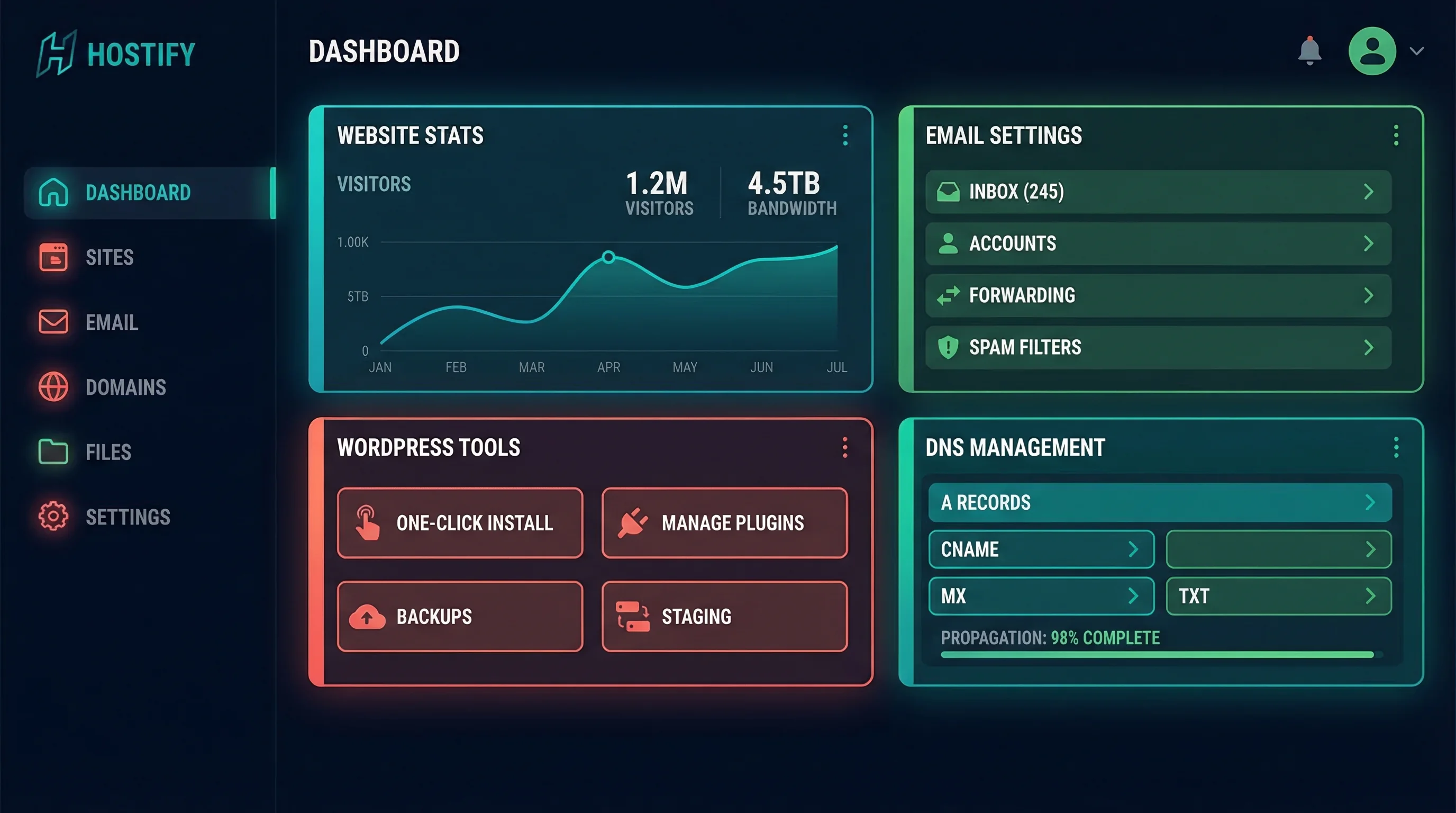
The My365i control panel was built differently. It puts 37 tools in front of you, organised by what you're actually trying to do: manage your website, sort out your email, or handle your DNS. That's it. Three categories. No hunting.
On the web hosting side, you get 24 tools covering everything from one-click staging sites and automated backups to file management, MySQL databases, PHP version switching, and SSL certificates. Need to check your site's WordPress plugins and themes? The WordPress Toolkit handles all of that, plus user management, security scanning, and search-and-replace across your database.
For email, there are 7 tools: accounts, forwarders, autoresponders, catch-all, send-only and receive-only addresses, and junk mail settings. The DNS tools cover zone record management, nameserver changes, and domain redirects.
The whole panel is responsive, so it works on your phone if you need to sort something out while you're away from your desk. Every plan includes it. No add-on, no premium tier.

When You Need Help, You Get a Real Person (Not a Bot)
Here's what happens at most hosting companies when you submit a support ticket: a chatbot asks you to describe your issue. It suggests three knowledge base articles. None of them match your problem. You click "talk to a human" and wait 45 minutes. When someone replies, they paste a canned response that also doesn't match your problem.
We don't do that.
At 365i, you get dedicated expert support seven days a week, including evenings, weekends, and bank holidays. But what makes the difference isn't just availability. It's how we help.
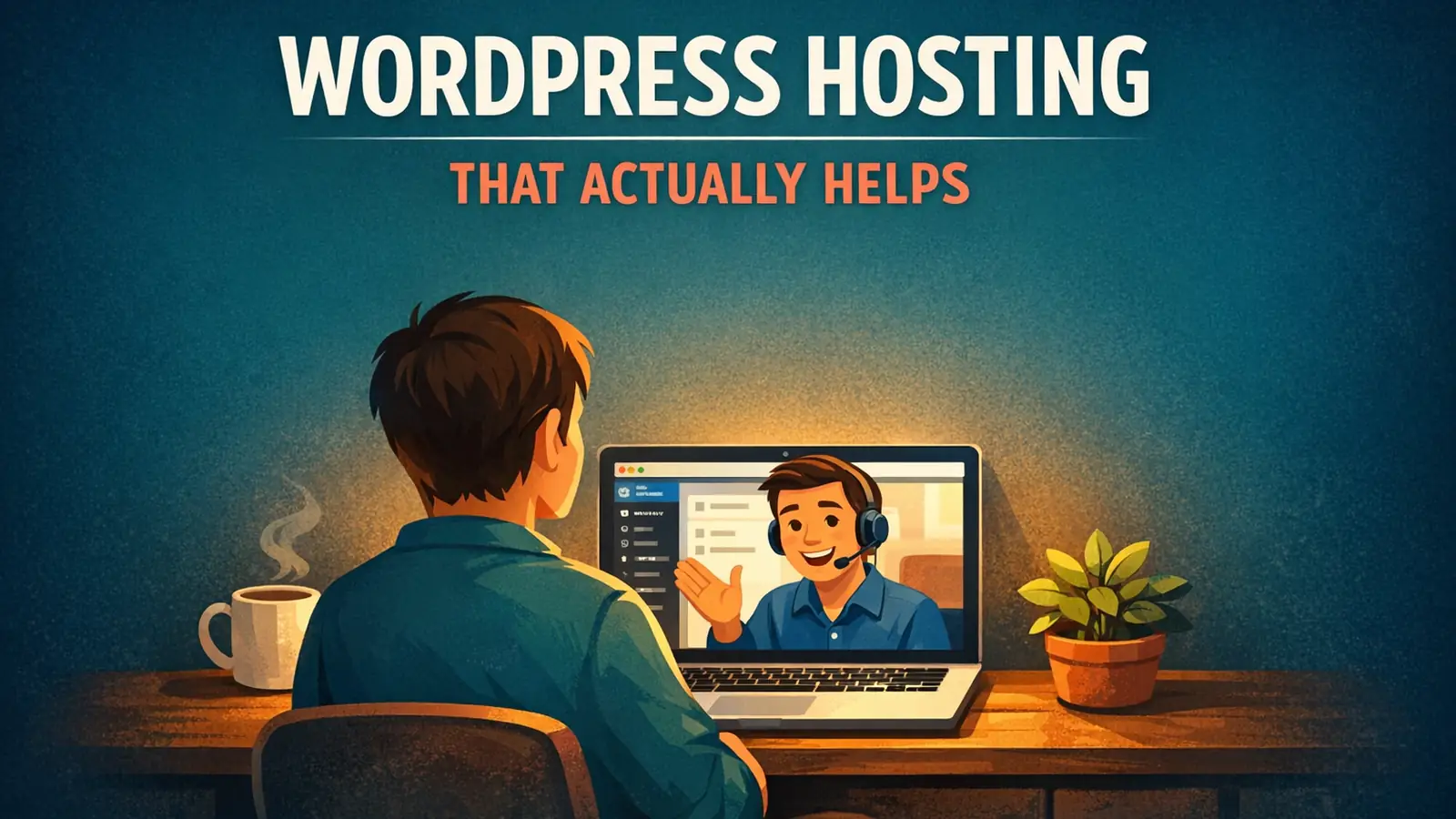
When a customer asks how to do something, we don't send them a link to a generic article and wish them luck. We often record a personalised screencast video showing them exactly how to do what they need, on their account, step by step. Not a pre-recorded tutorial for a different version of a different panel. A video made for them, that afternoon. We documented eleven recent tickets, with timings and customer reactions, in a look inside our helpdesk.
Here's an example. This is a video we made showing how easy it is to create a WordPress staging clone on our platform:
That's the kind of support we're talking about. Not jargon. Not canned responses. A real walkthrough from someone who knows the platform inside out.
"Get some of these folks on the phone and see how they do answering your questions. Find one that feels good to you and give them a shot."
Chris Lema, WordPress consultant and former VP at Liquid Web, How do you choose a WordPress host?
I first read Chris's advice years ago, and it stuck with me because it cuts through all the benchmark noise. He's right: hosting is a partnership. You're trusting someone with your business's online presence. Before you commit, pick up the phone. Or in our case, drop us a message. You'll know within five minutes whether you're talking to someone who cares or someone reading from a script.
The Little Things That Make a Big Difference
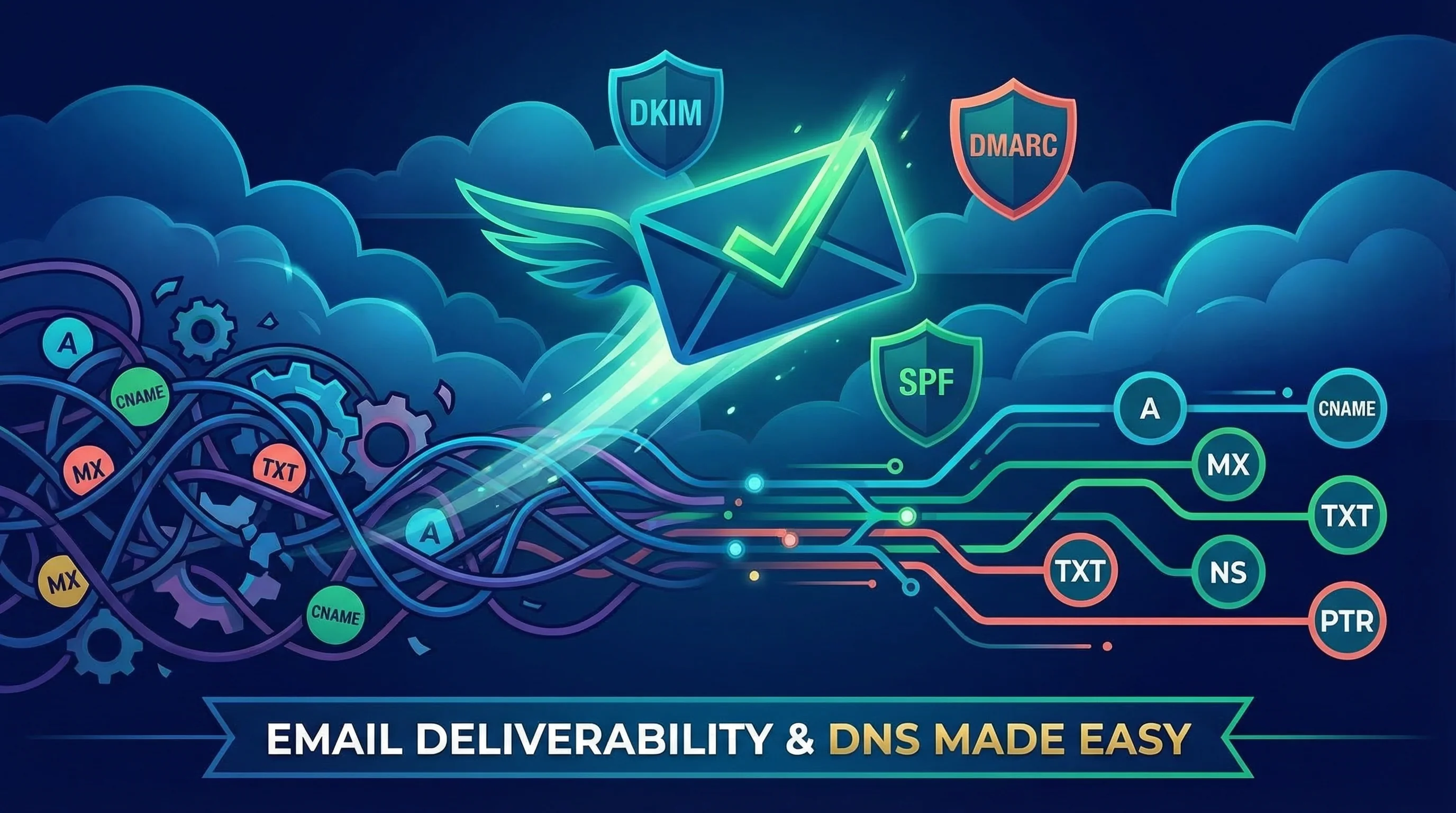
Some of the most common support tickets in the hosting industry aren't about dramatic crashes or hacking attempts. They're about things like email deliverability. Your invoices are landing in customers' spam folders. Your booking confirmations never arrive. And you have no idea why.
The answer, nine times out of ten, is missing DKIM and DMARC records. These are DNS entries that prove your emails are genuinely from you. Without them, email providers treat your messages as suspicious.
On most hosting platforms, setting these up means copying long strings of text into DNS fields and hoping you get the formatting right. At 365i, we built free tools that generate the correct records for you and add them with a couple of clicks. No copying, no pasting cryptic strings, no praying you got it right. It just works.
That same philosophy applies across the panel:
- SSL certificates: One click to enable. Auto-renewing. Free on every plan.
- PHP version switching: Pick your version from a dropdown. No command line, no config files.
- Staging sites: Clone your live WordPress site in 60 seconds to test updates safely.
- Automated backups: Nightly snapshots you can restore with one click, plus on-demand snapshot backups before risky changes.
- DNS management: Visual editor for all record types. No manual zone file editing.
These aren't headline features that make it into comparison tables. But they're the things that save you an afternoon of googling when something isn't working.
Free Tools That Help You Grow
Most hosting companies sell you add-ons. SEO tools? Extra. Security scanning? Premium plan. Site auditing? Third-party subscription.
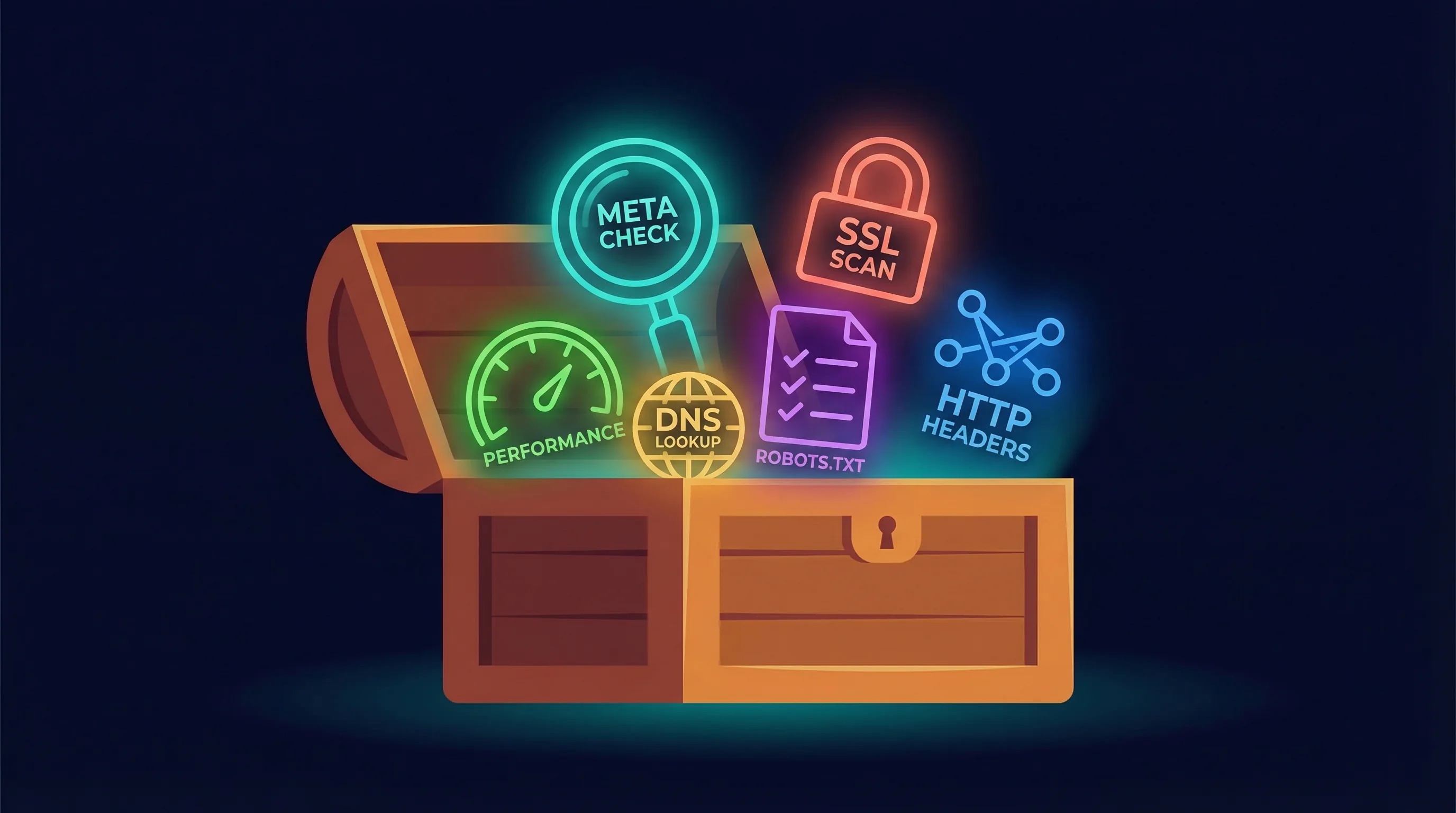
We went the other way. We built eight free SEO and webmaster tools and gave them away. No sign-up. No usage limits. No catch.
- DNS Lookup: Check every record type and get your SPF, DKIM, DMARC, and MX health graded instantly.
- HTTP Header Inspector: See your security headers graded A to F and trace redirect chains.
- HTTPS Inspector: Scan for mixed content and check your SSL/TLS configuration.
- Meta Tag Checker: Preview how your pages look in Google results and social feeds.
- Robots.txt Checker: Test your crawl rules before they block Google from your best content.
- WHOIS Lookup: Check domain registration, expiry dates, and DNSSEC status.
- WordPress Scanner: Check for exposed login pages, XML-RPC, user enumeration, and version leaks.
- Post Sitemap to CSV: Export every URL and page title from your sitemap as a spreadsheet.
We built these because they're the tools we use ourselves. When a customer has a DNS problem, we check it with the same DNS Lookup tool they can use for free. When someone's emails aren't arriving, we pull up the same health check. There's no premium-only diagnostic layer. You see what we see.
From Beginner to Expert: We Meet You Where You Are
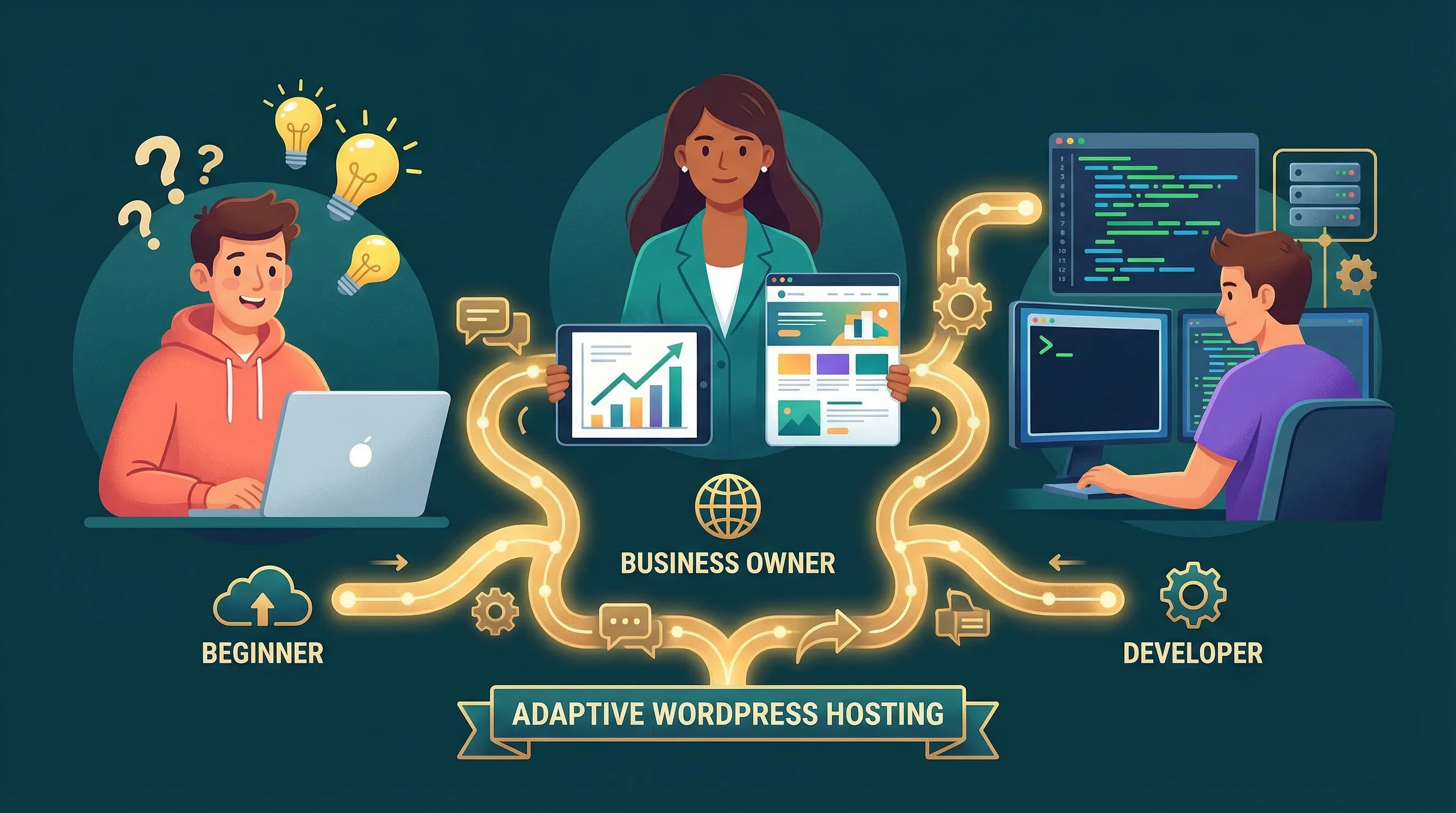
One of the biggest problems with hosting companies is that they build for one type of customer. Budget hosts cater to total beginners but fall apart when you outgrow the basics. Developer-focused hosts assume you're comfortable with SSH and config files from day one.
We built My365i so the same panel works for everyone.
If you're just getting started
One-click WordPress installation gets your site live in under two minutes. If you're not sure what makes a website actually work, we'll help with that too. And when something confuses you, you can ask us and get a real answer, not a chatbot loop.
If you're a growing business
Staging sites let you test plugin updates, theme changes, and content redesigns without risking your live site. Automated nightly backups mean you're never one bad update away from disaster. PHP version switching lets you run the latest version for better performance and security. And our managed WordPress hosting handles the updates and security patches so you don't have to think about them.
If you're a developer or agency
SSH access, FTP accounts, MySQL databases with remote access, scheduled tasks (cron jobs), and a WordPress Toolkit that handles bulk plugin/theme management across sites. We also build free WordPress plugins like our Performance Optimizer designed for our hosting platform. Our agency hosting plan covers unlimited sites for a fixed monthly cost, each with its own staging environment, backups, and management tools.
"We're not competitor-obsessed, we're customer-obsessed. We start with what the customer needs and we work backwards."
Jeff Bezos, Founder of Amazon
That quote comes from a tech billionaire running the world's largest e-commerce operation, but the principle scales down perfectly. When we decide what to build next for our customers, we don't look at what other hosting companies are doing. We look at support tickets. What are people struggling with? What takes too long? What should be easier? The staging clone video above exists because a customer asked. The DKIM/DMARC tools exist because too many emails were landing in spam. The free SEO tools exist because we kept using the same checks ourselves and thought: why not share them?
What You Actually Get
Here's a quick overview of what comes with every 365i WordPress hosting plan:
| Feature | What It Means |
|---|---|
| Unlimited LVE Resources | No CPU throttling, no memory caps. Your site gets what it needs. |
| Free SSL Certificates | Auto-renewing HTTPS on every site. One click to enable. |
| Nightly Backups | Automated snapshots you can restore any time, plus on-demand backups. |
| One-Click Staging | Clone your live site to test changes safely before they go live. |
| WordPress Toolkit | Manage plugins, themes, users, security scans, and database operations. |
| UK, US & Asia Data Centres | Choose the location closest to your audience. UK default for GDPR. |
| 7-Day Expert Support | Real people, seven days a week. Personalised help including screencasts. |
| My365i Control Panel | 37 tools for web, email, and DNS management. One panel, no extras. |
Our plans start at £4.99/month. If you're on another host and want to move, we offer free migrations with zero downtime. Worried about the switch? Our migration guide walks through exactly what happens. And if you'd rather search for the perfect domain name first, we've got over 460 extensions available.
The point isn't that we're the biggest or the cheapest. It's that when you need help, we're here. When something breaks, we fix it. When you don't know how to do something, we show you. That's hosting that actually helps.
Frequently Asked Questions
What makes 365i different from other WordPress hosts?
We provide personalised support including screencast videos made specifically for individual customers. Our My365i panel includes 37 built-in tools for web, email, and DNS management, and every plan comes with unlimited LVE resources, staging sites, and automated backups. Support is available seven days a week.
Do I need technical knowledge to use 365i hosting?
No. The control panel is designed for beginners, with one-click WordPress installation, visual DNS editors, and plain-language tool descriptions. If you get stuck, our support team will walk you through it, often with a custom video showing exactly what to do on your account.
What is a WordPress staging site and why do I need one?
A staging site is an exact copy of your live website where you can test updates, new plugins, or design changes without any risk. If something breaks on the staging copy, your real site is untouched. At 365i, creating one takes about 60 seconds from the My365i panel.
How do I set up DKIM and DMARC for my emails?
In the My365i panel, our built-in tools generate the correct DKIM and DMARC DNS records for your domain and add them automatically. It takes a couple of clicks. Without these records, your business emails are more likely to land in spam folders.
Can I migrate my existing WordPress site to 365i for free?
Yes. We offer free website migrations with zero downtime. We handle the entire transfer so your site keeps running throughout the move. There's no charge regardless of which plan you choose.
Is 365i suitable for developers and agencies?
Yes. The panel includes SSH access, FTP accounts, MySQL databases with remote access, scheduled tasks, and a WordPress Toolkit for bulk management. Our agency hosting plan covers unlimited sites for a fixed monthly cost with full staging and backup tools per site.
What free SEO tools does 365i offer?
Eight tools at 365i.co.uk/tools: DNS Lookup, HTTP Header Inspector, HTTPS Inspector, Meta Tag Checker, Robots.txt Checker, WHOIS Lookup, WordPress Scanner, and Post Sitemap to CSV. All free, no sign-up required, no usage limits.
How much does 365i WordPress hosting cost?
Plans start at £4.99/month. Every plan includes the full My365i panel, staging sites, automated backups, unlimited LVE resources, and 7-day expert support. No hidden extras or premium tiers for essential features.
Ready for hosting that actually helps?
Every plan includes 37 built-in tools, one-click staging, automated backups, and 7-day expert support. Plans start at £4.99/month with free migration from your current host.
See WordPress Hosting PlansSources
Published: · Last reviewed: · Written by: Mark McNeece, Founder & Managing Director, 365i
Editorially reviewed by: Mark McNeece on · Our editorial standards